A block is a solid you shape by hand: a kitchen island, a built-in bench, a chimney breast, anything the other tools do not draw. You place a box, then edit its vertices, edges and faces directly in the view.
Place a block
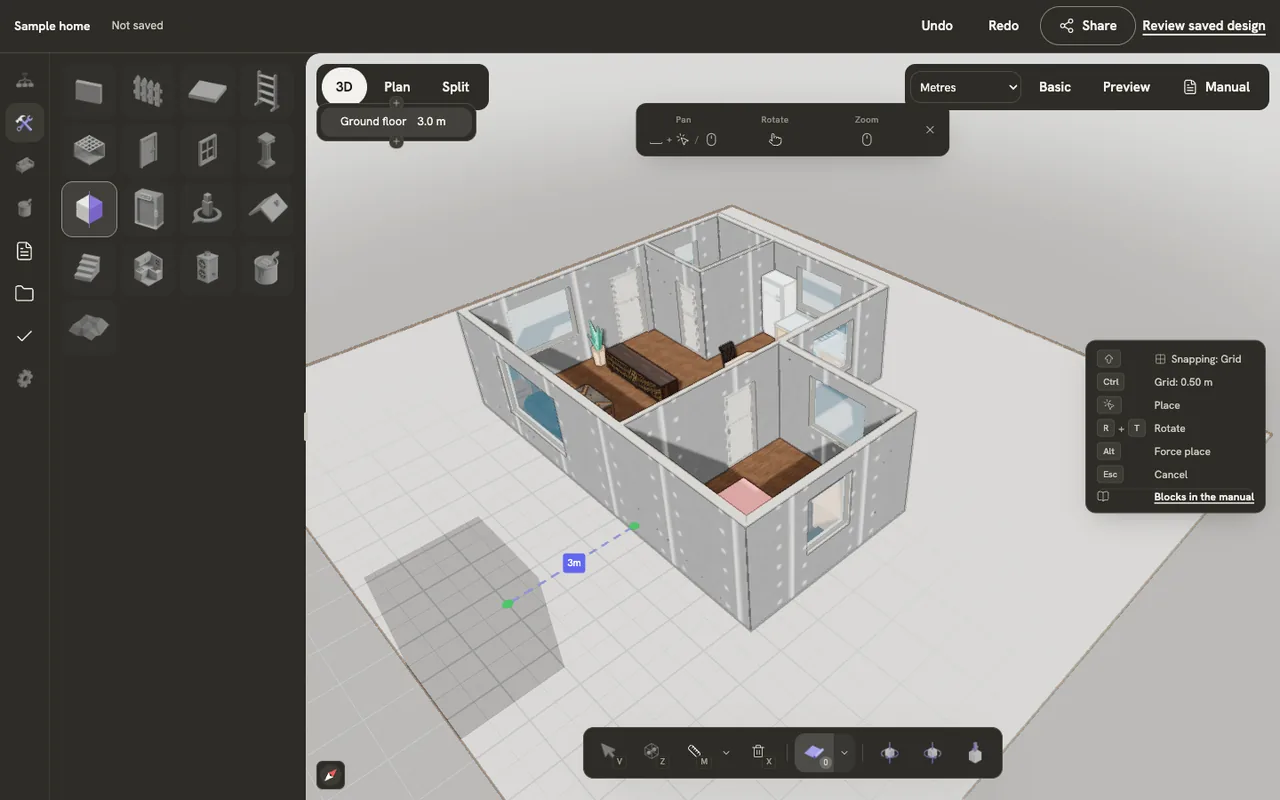
Choose Block in the Build tab and click where it goes. Esc cancels. Select it to move and turn it like any other object.
Open it for editing
Select the block and press Tab. A toolbar appears beside it and the key panel lists the keys that now apply. Tab again, or Finish edit mode on the toolbar, closes it.
Pick vertices, edges or faces
1, 2 and 3 switch between picking vertices, edges and faces, and your current pick converts across. Click to pick, A picks everything, Alt + A picks nothing, and Cmd/Ctrl + I inverts the pick.
Move, rotate and scale
G, R and S start moving, rotating or scaling the picked parts with the mouse. While one is running, X, Y or Z locks it to an axis, and you can type a number for an exact amount. Click or press Enter to keep the change; right-click or Esc to drop it.
Extrude, inset, bevel and cut
E extrudes the picked face and I insets it. In edge mode, Cmd/Ctrl + B bevels the picked edges. Cmd/Ctrl + R starts a loop cut. M merges picked vertices, D dissolves the pick, and X or Delete deletes it. Shift + R repeats the last operation, and F9 opens it again to adjust.
Every block key
| Keys | What it does |
|---|---|
| Tab | Start or stop editing the selected block |
| 123 | Pick vertices, edges or faces |
| G | Move the picked parts |
| R | Rotate the picked parts |
| S | Scale the picked parts |
| E | Extrude the picked face |
| I | Inset the picked face |
| Cmd/CtrlB | Bevel, in edge mode |
| Cmd/CtrlR | Loop cut |
| M | Merge the picked vertices |
| D | Dissolve the picked parts |
| X | Delete the picked partsDelete works too. |
| A | Pick everything |
| AltA | Pick nothing |
| Cmd/CtrlI | Invert what is picked |
| ShiftR | Repeat the last operation |
| F9 | Adjust the last operation |