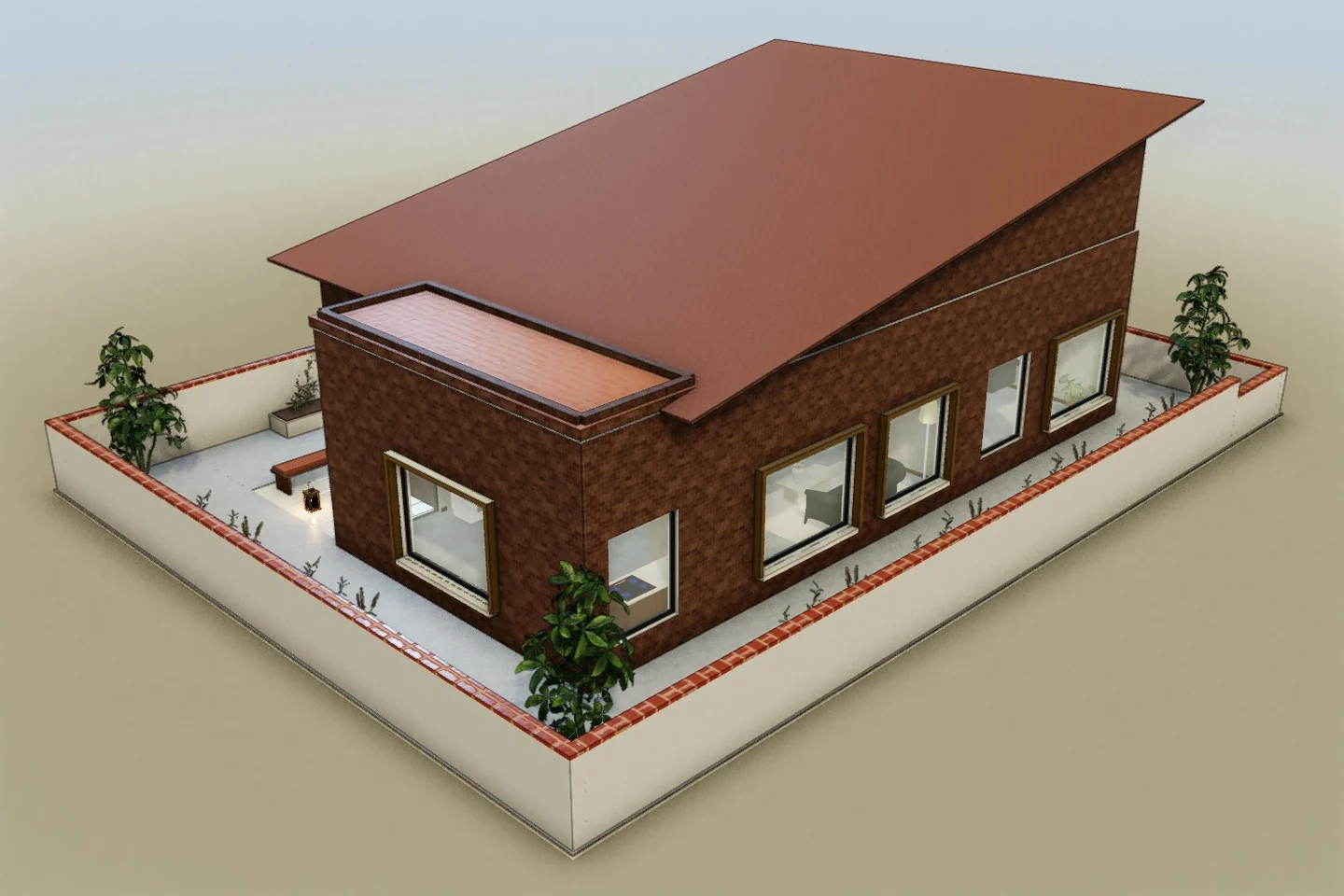
Their brief
“I need a workshop I can really work in and a home I can retreat to, in the same building.”
The AI options they’ve already seen
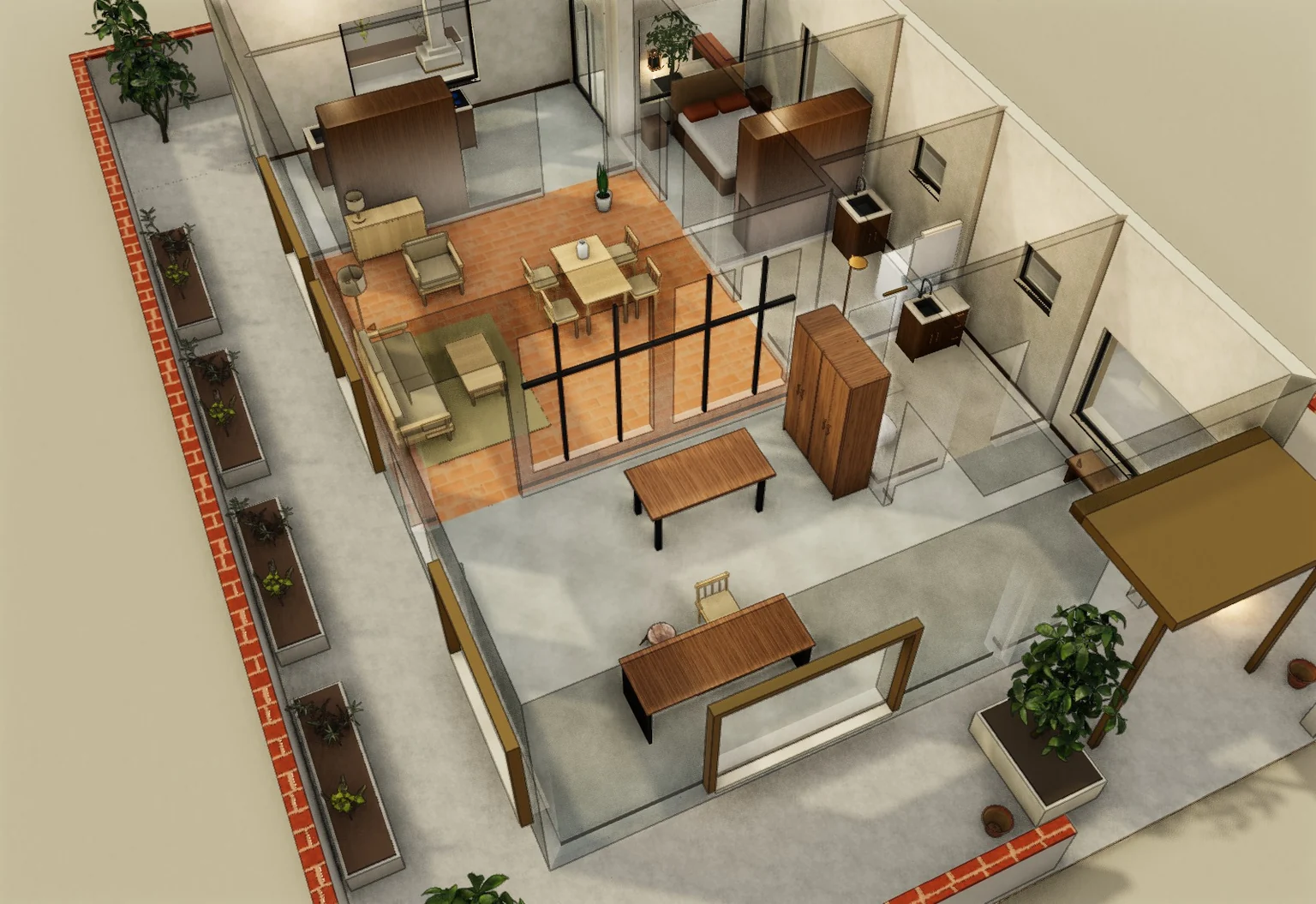 A · A workshop you can close
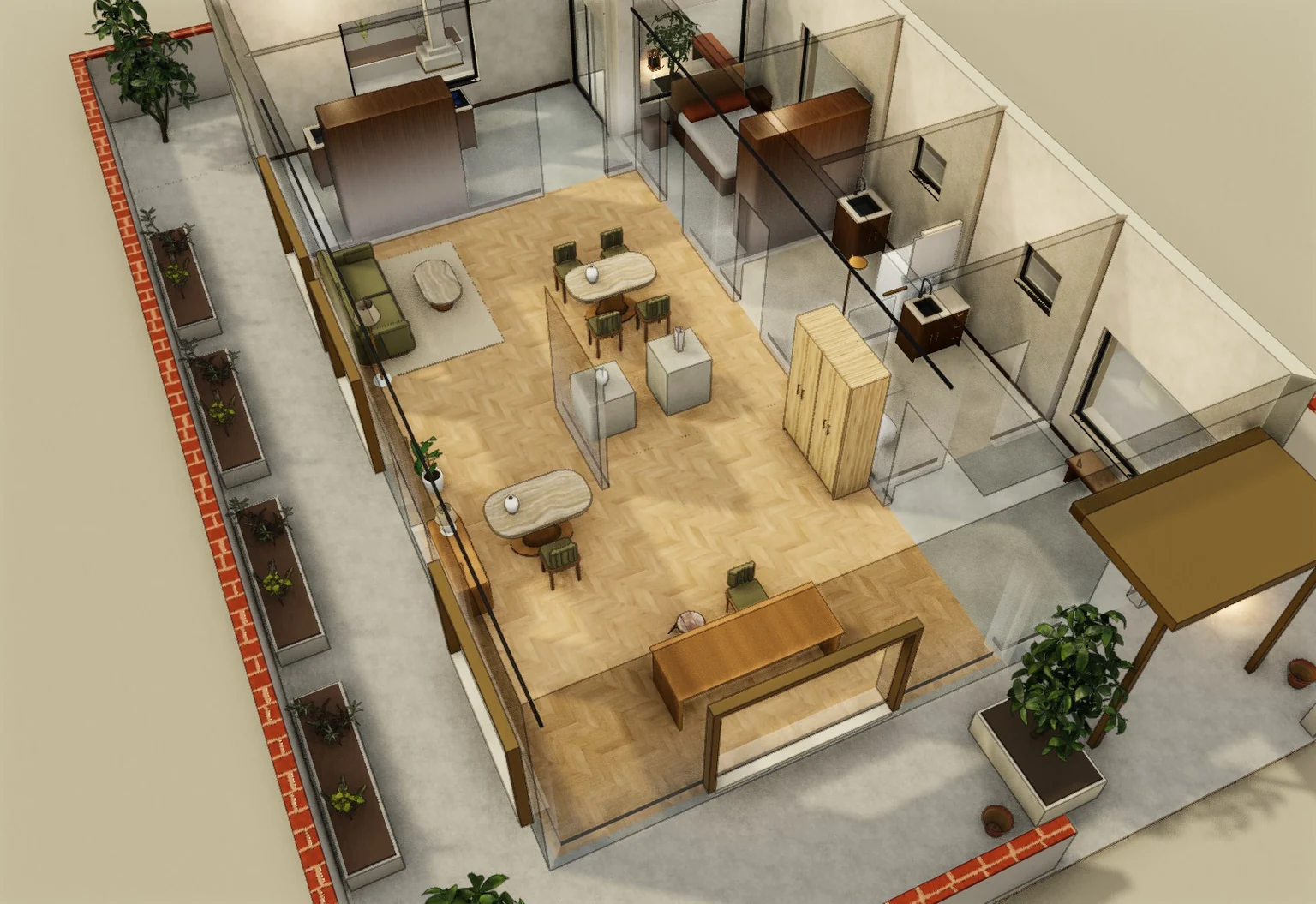 B · A gallery that meets clients
12 hours to accept or pass
Build their home from the plan or sketch they sent. Draft two schemes, check them by hand, send one link.
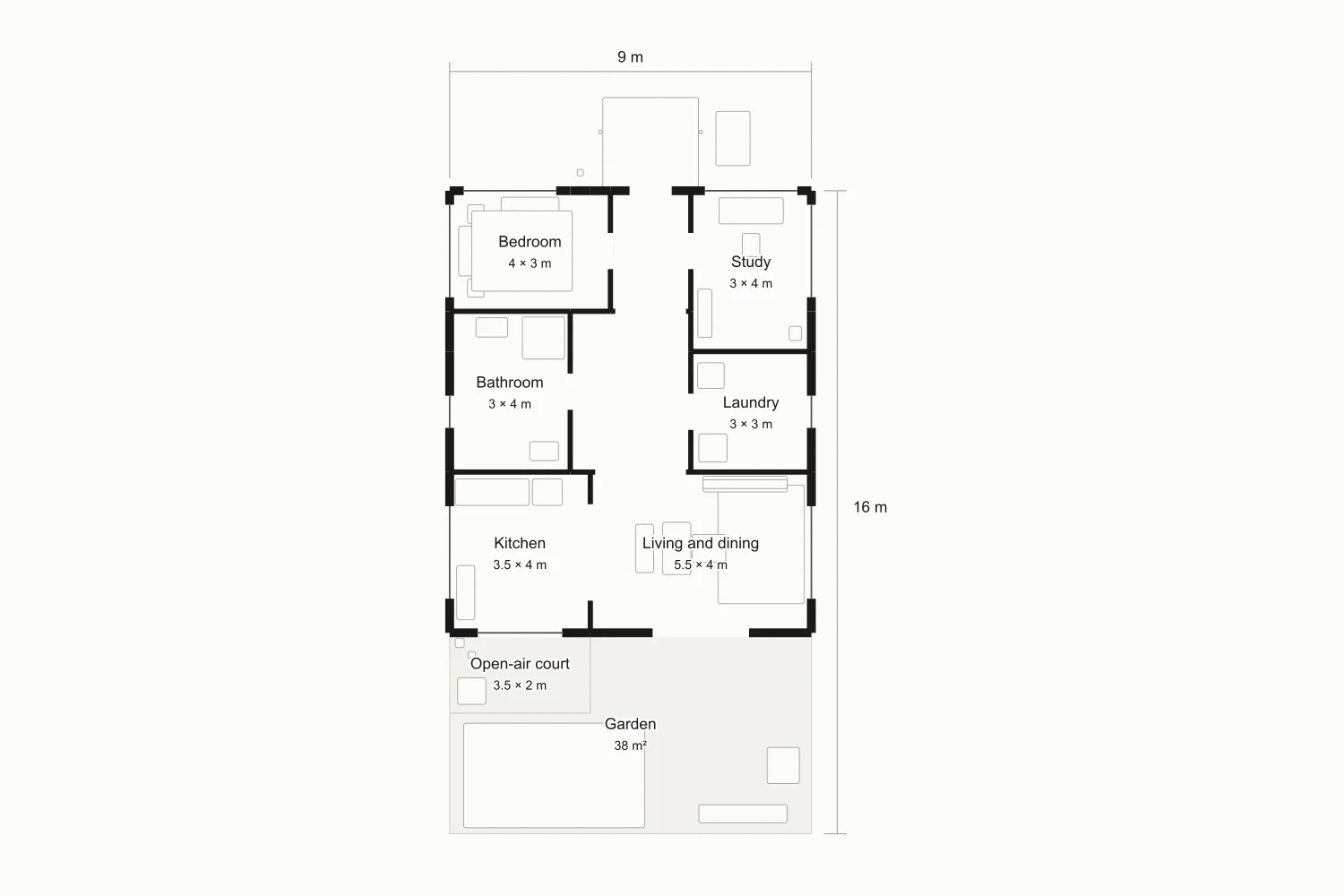
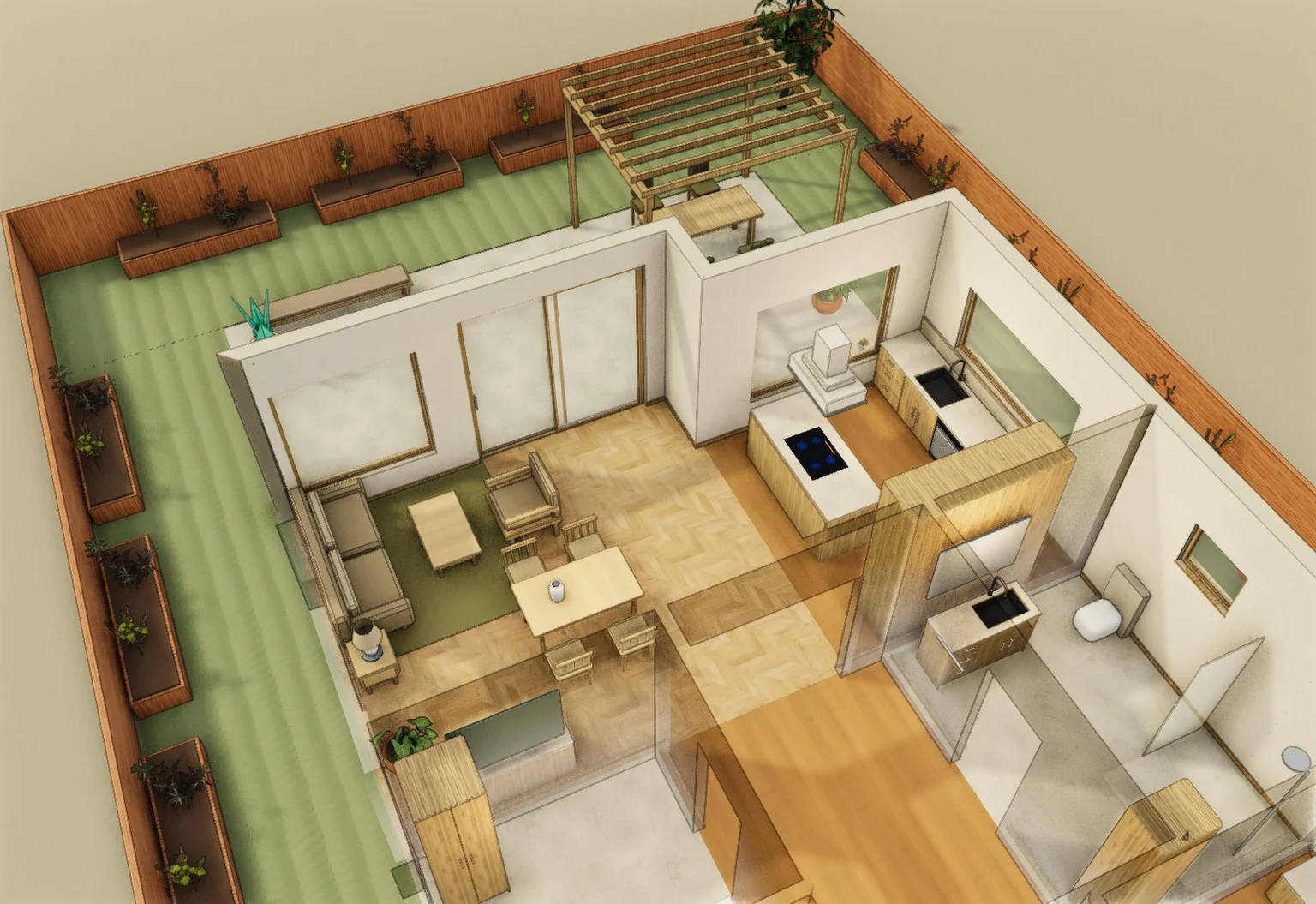
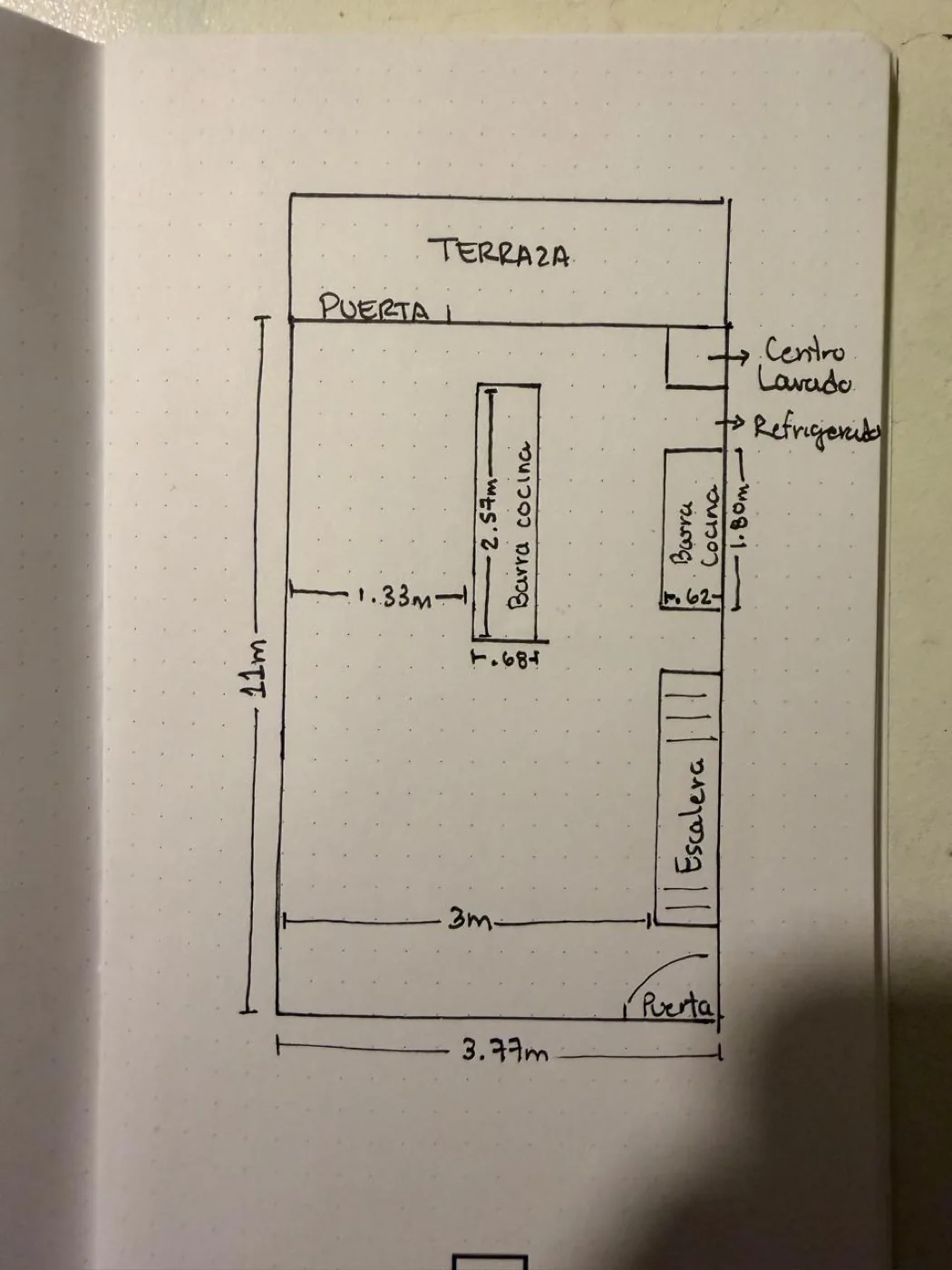
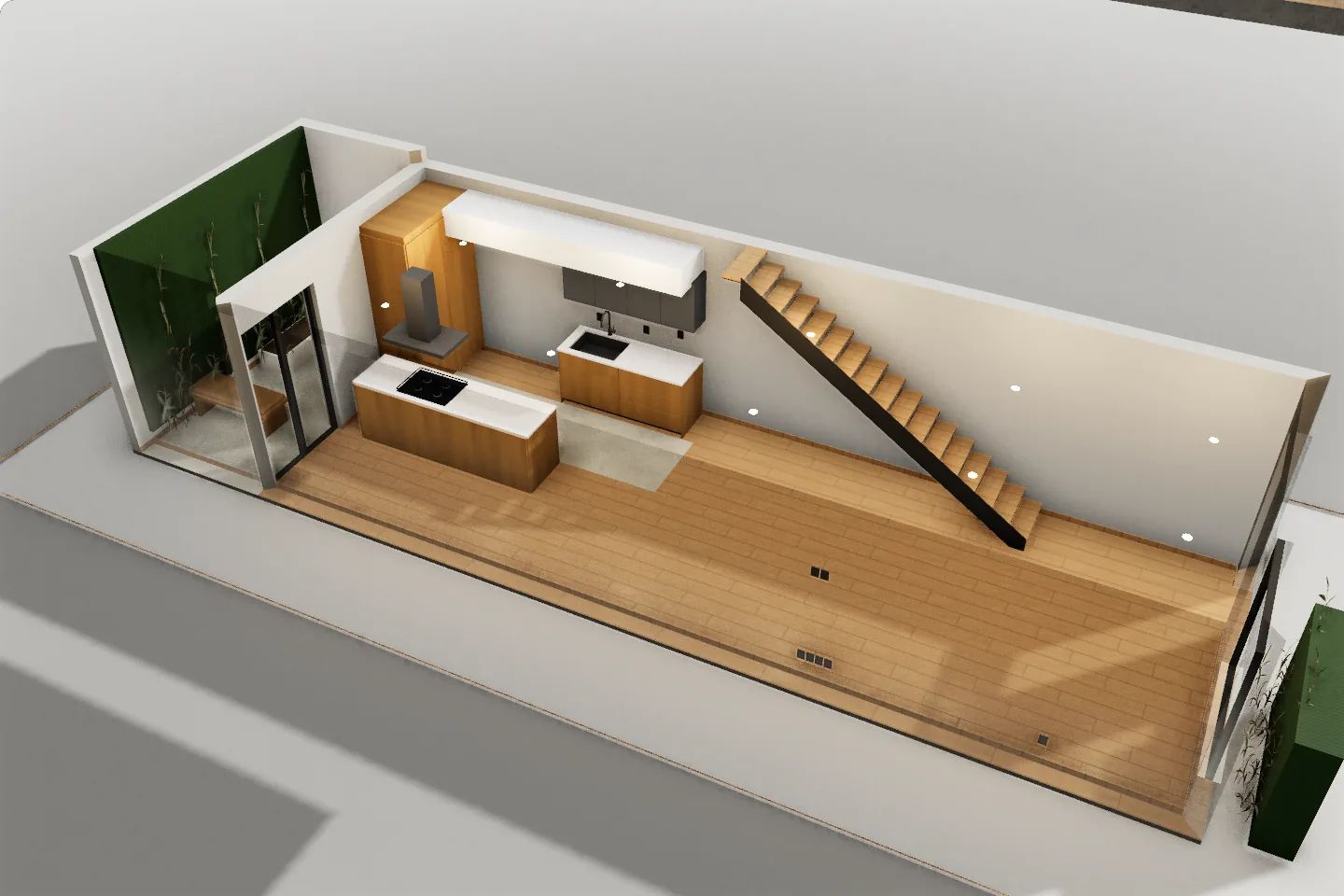
The model follows the numbers written on the sketch, not the pen lines. Clients send a PDF, PNG, JPEG, SVG or DXF, or a photo of a paper plan or sketch. Your own IFC, SketchUp or Rhino files import too.
Every format and its limits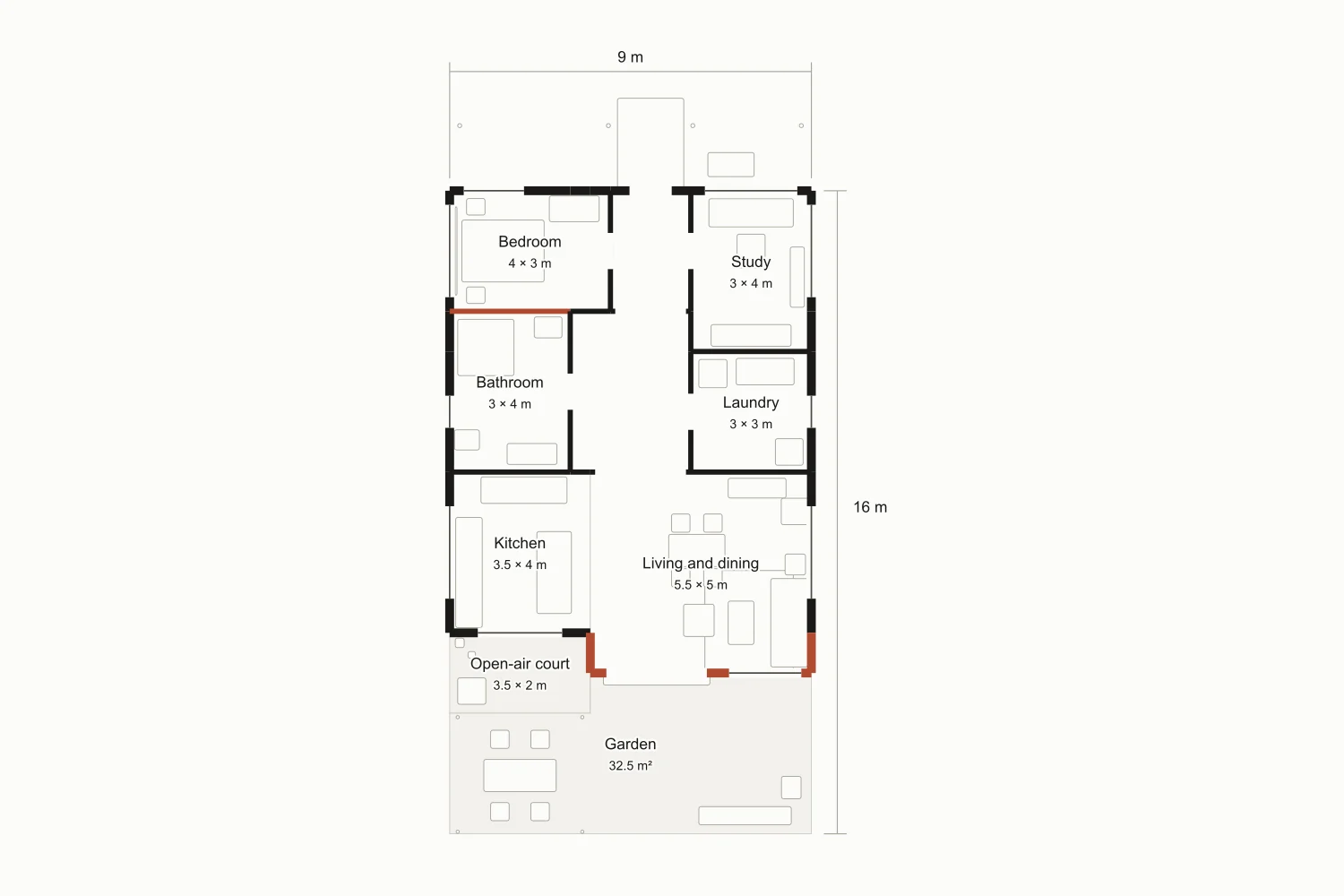
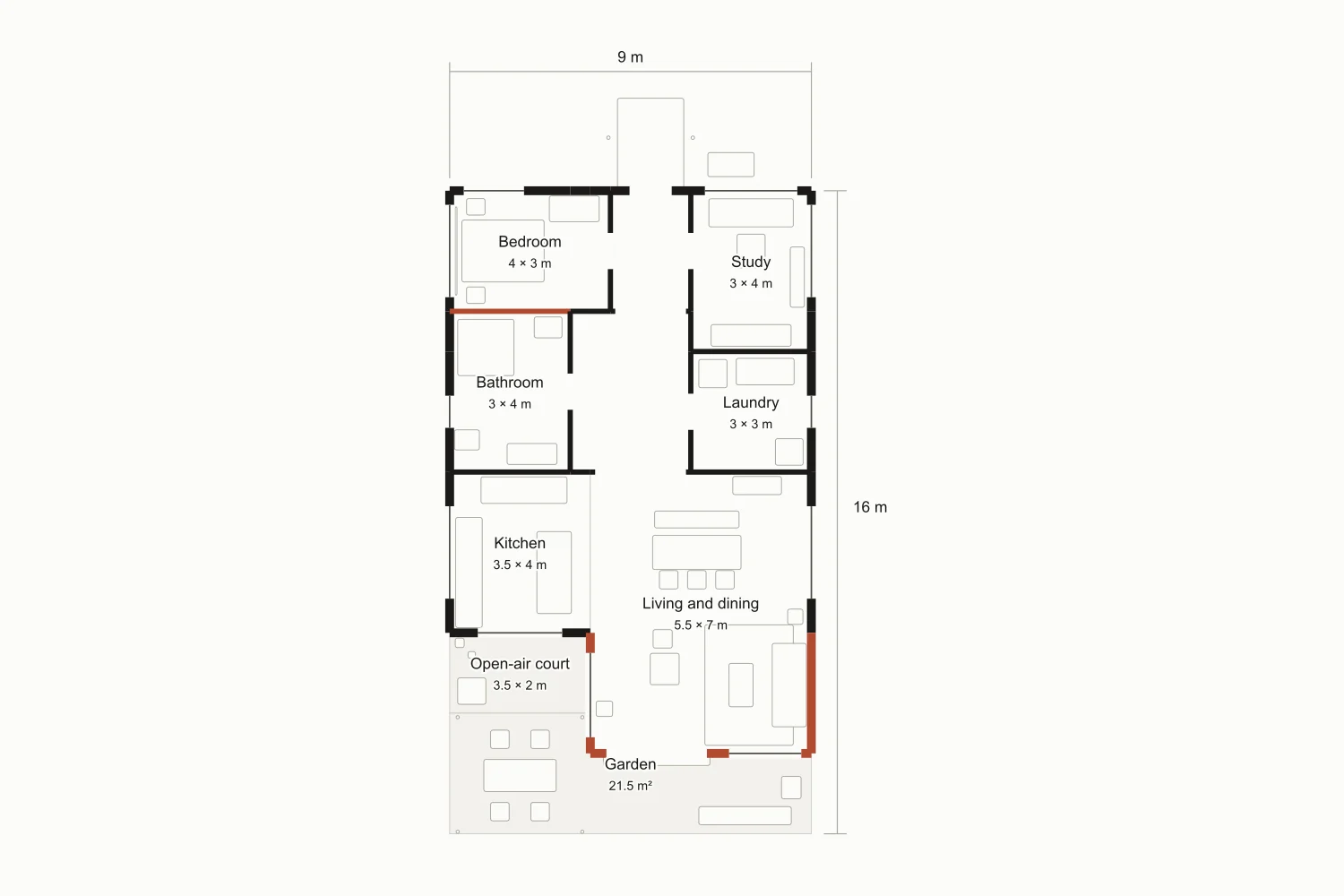
| Room | Today | A · One metre, more garden | B · Three metres for family life |
|---|---|---|---|
| Living and dining | 22 m² | 27.5 m² (+5.5) | 38.5 m² (+16.5) |
| Garden | 38 m² | 32.5 m² (−5.5) | 21.5 m² (−16.5) |
| Interior, total | 99 m² | 104.5 m² (+5.5) | 115.5 m² (+16.5) |
| Garden and court, total | 45 m² | 39.5 m² (−5.5) | 28.5 m² (−16.5) |
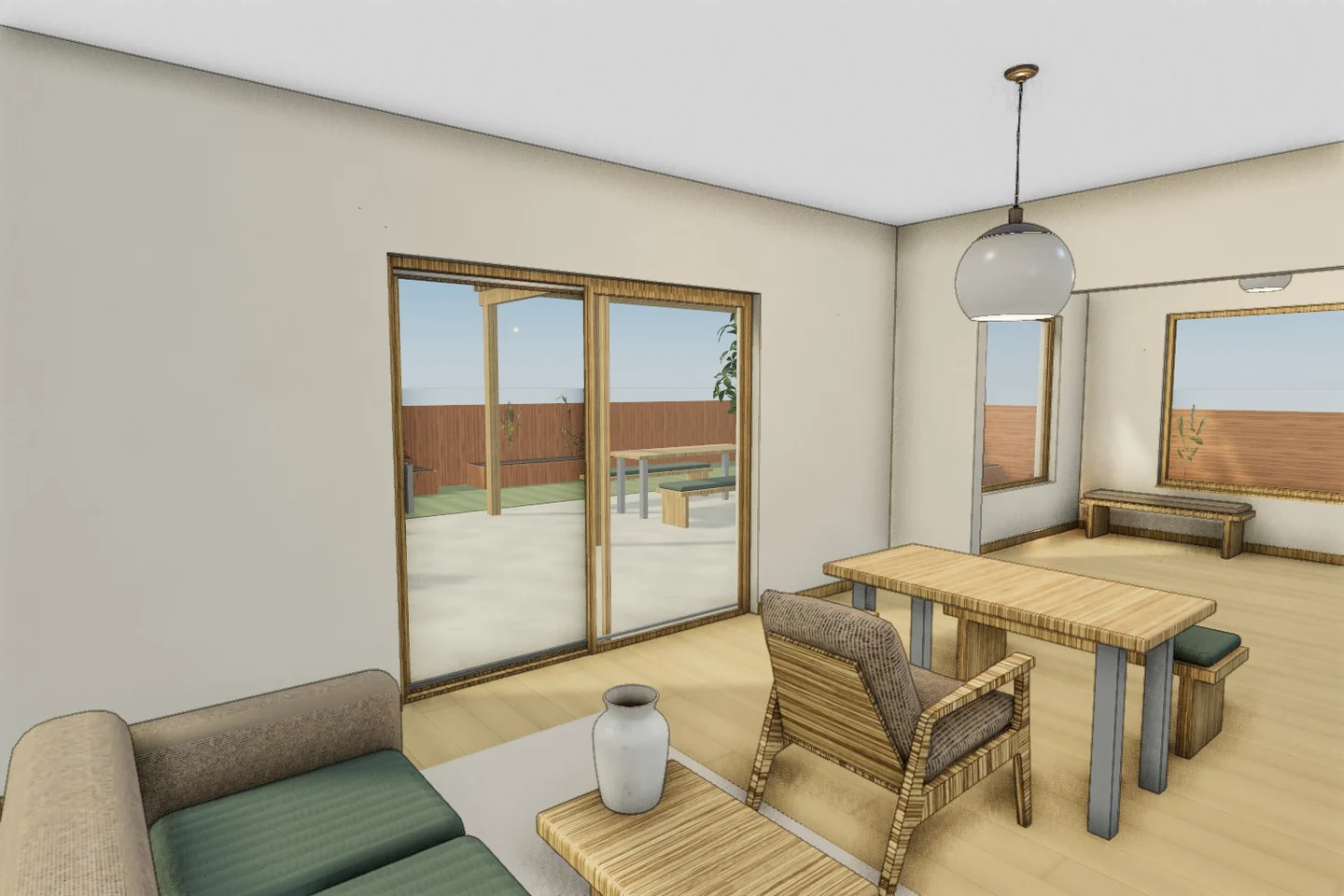
Which scheme should we develop?
One metre, more gardenThree metres for family lifeThen the hand-off. Once they pick, export the chosen option and carry on in your own tools.
No. An IFC opens as walls, doors, windows and slabs you can edit, when their shape can be verified. Elements whose shape can’t be verified come in as objects, and the import shows both counts before you insert it. Export IFC from Revit or ArchiCAD; .rvt files don’t upload. SketchUp, Rhino, glTF and 13 more formats come in as objects you move and scale.
They walk the home at eye level from one link, with no account. They pin notes on a wall or a room and, on Pro, pick A or B.
It exports as an AutoCAD 2018 (AC1032) 2D plan, on Pro and Team. Layers, text and plan outlines come through, and the file is read back before you get it. It is a plan, not a 3D solid: for 3D take SketchUp, STEP or IFC (beta). For upload, save DWG drawings as DXF.
The clients you bring are yours: your account, your link. Marketplace jobs are booked and paid through us, with messages inside the booking. Homeowners can follow your studio page and name you as their preferred studio.
You keep $152.51 of a $199 floor. That is 80% after a 4% + $0.40 payment fee; the first 200 studios keep 100%, $190.64. Payouts go out monthly. You can pass on any offer within 12 hours.
You keep the rights to what you upload, and uploading doesn’t let us train models on it. We process your files only for the features you use, such as building a model or rendering a photo. Projects and client links stay view-only if you cancel.
No. It answers the enquiry fast; the design and the sign-off stay yours. AI drafts options you correct by hand, each with its own room schedule.
Yes. Upload a plan and see your home in 3D before you pay; editing it needs a plan. A failed build goes back to your monthly builds.
Yes, on any plan. Group drawings and PDF pages by physical floor, then review alignment, elevations and stair connections before confirming. A building project does not combine alternative sales unit types.
Pro and Team include supported MCP tools. Team includes API access. Use the web app for floor plan upload and file export.
Their brief
“I need a workshop I can really work in and a home I can retreat to, in the same building.”
The AI options they’ve already seen
A · A workshop you can closeB · A gallery that meets clients12 hours to accept or pass
Studios apply from their account. We don’t guarantee a number of jobs. Real offers arrive by email and in your studio settings.
Upload their plan or sketch and walk it in 3D.