Example enquiry · The Sheltered Garden
The client’s note
“We want this room for supper, reading and conversation without blocking the way to the garden. We don’t want to move any walls.”
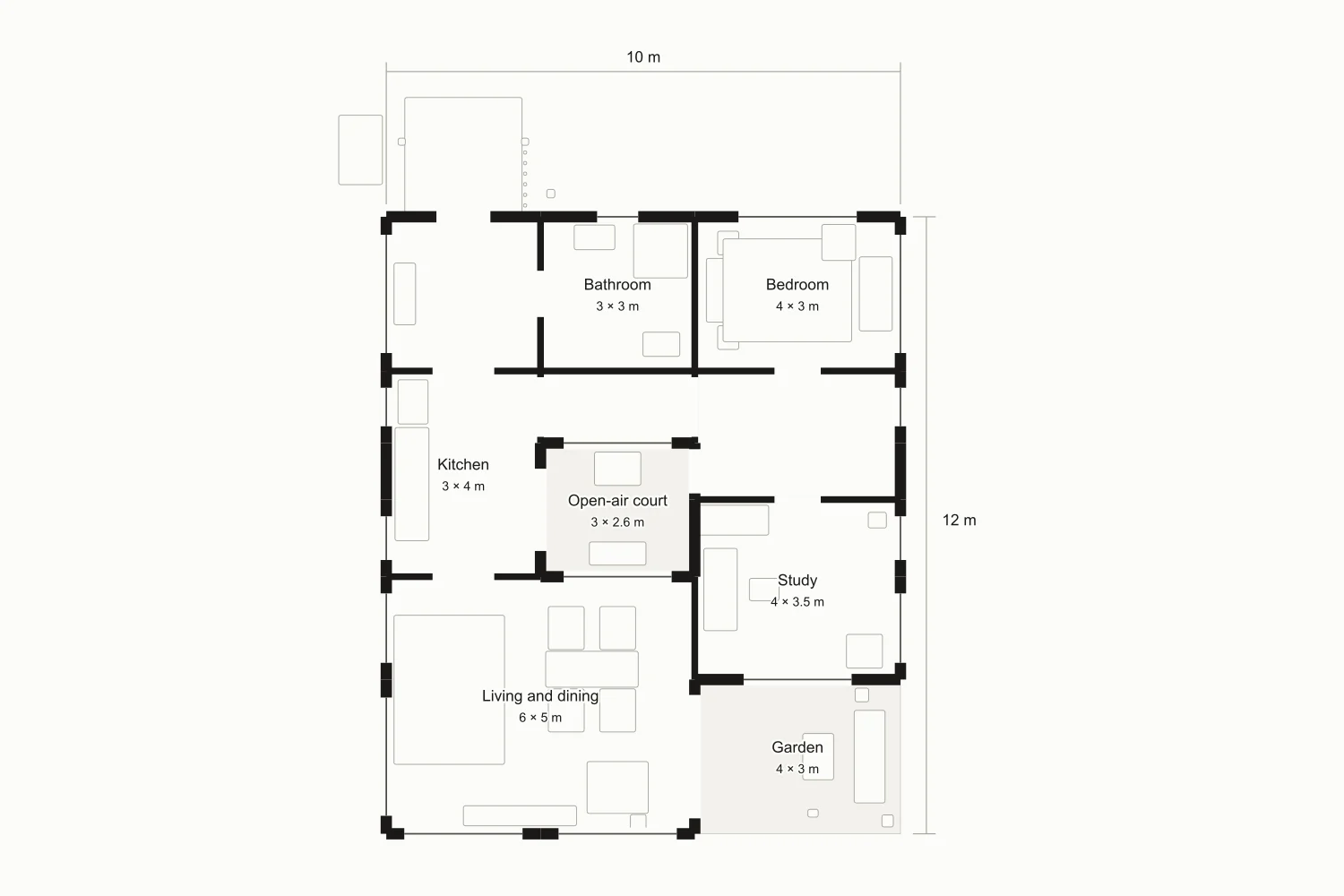
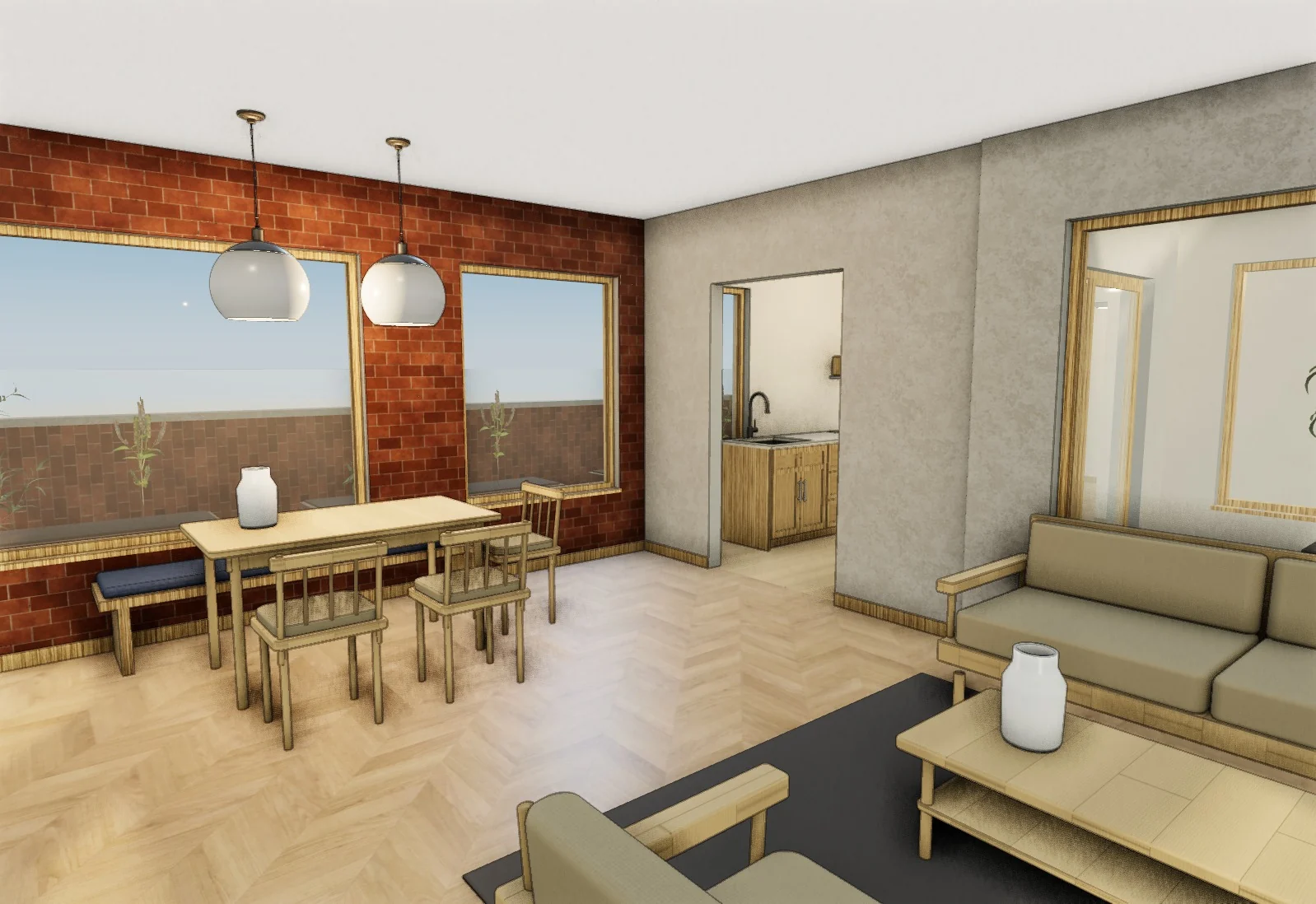
Build their room from the plan they sent. Furnish two looks at real size, make a photo of each and send one link where they pick.
Example enquiry · The Sheltered Garden
The client’s note
“We want this room for supper, reading and conversation without blocking the way to the garden. We don’t want to move any walls.”
The rooms take these sizes, so what fits in the model fits in their home.
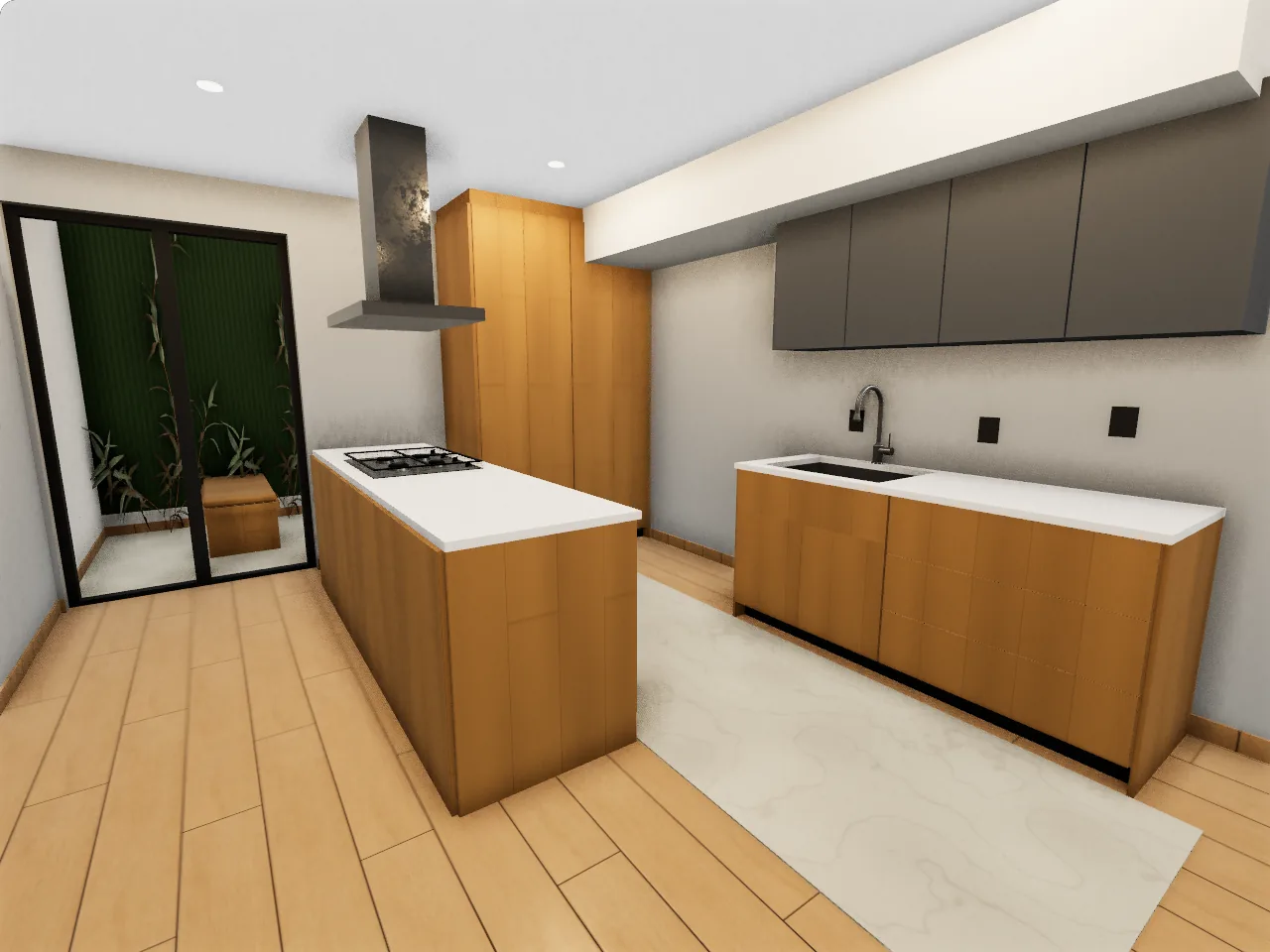
Casa René’s kitchen, photographed and modelled from the same camera. No AI in either picture.
From a hand-drawn sketch to a detailed floor plan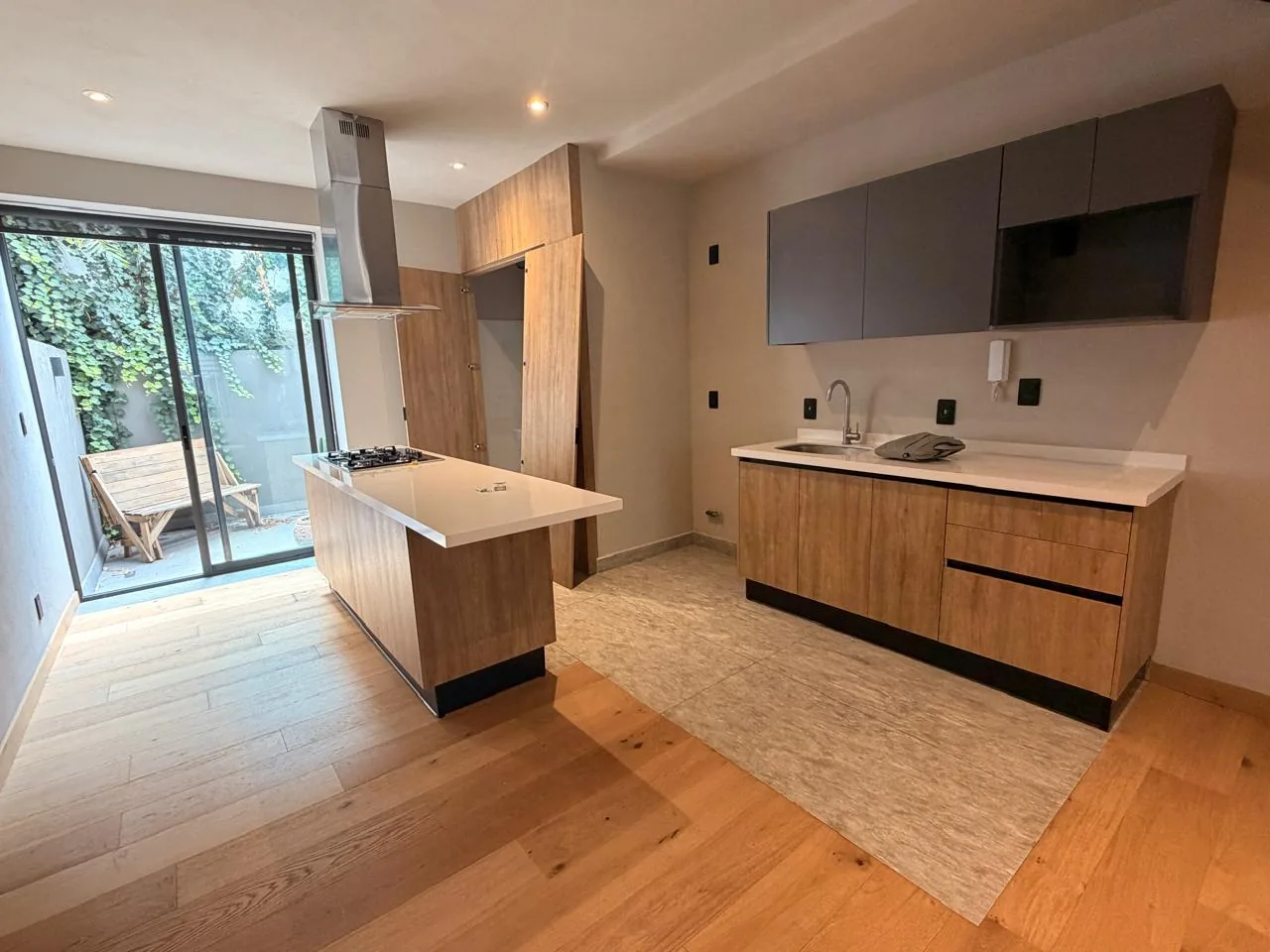
A table for sixA banquette and a 2.1 m table, for a family that has people over for meals.
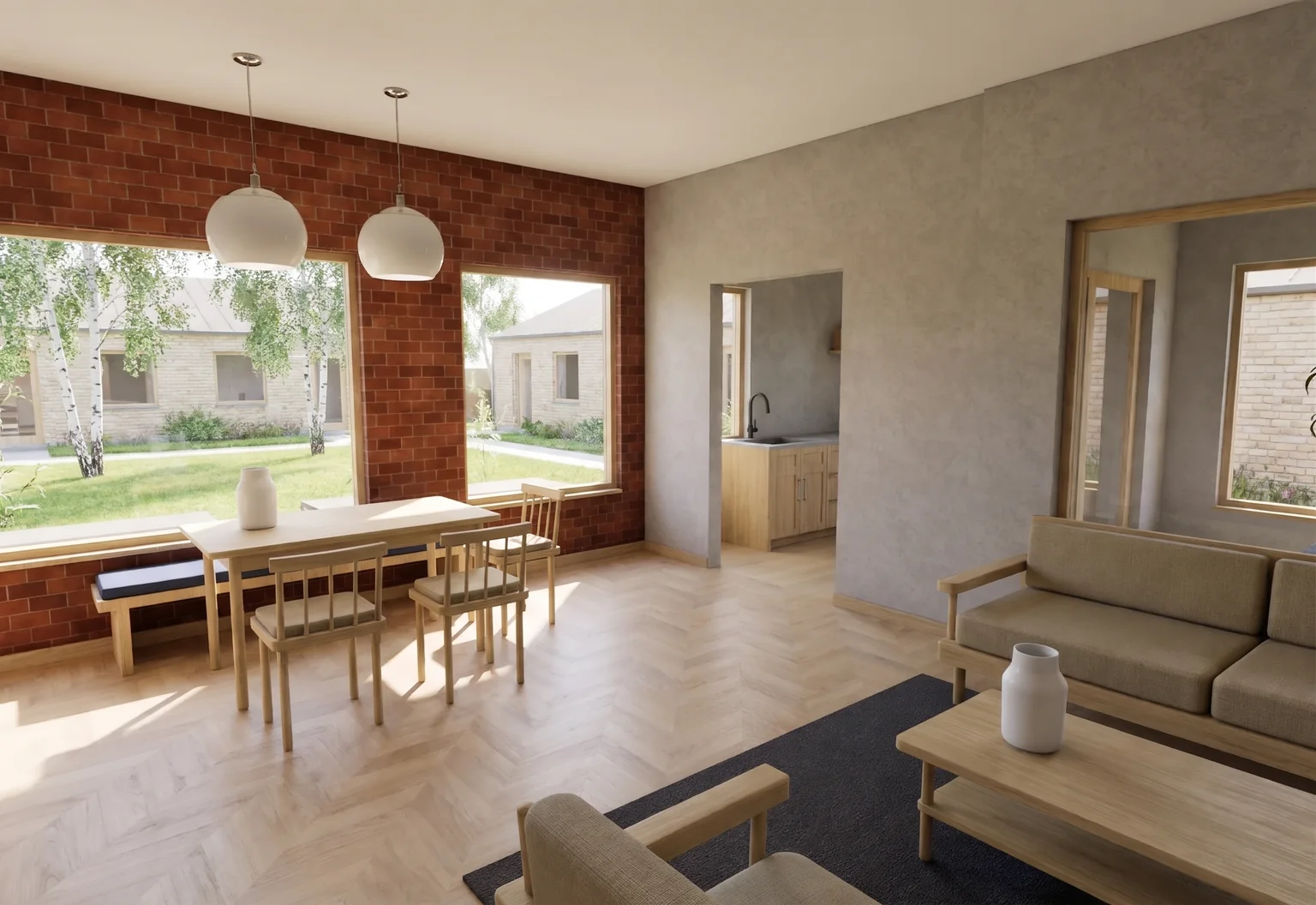 The modelAI photo of that view
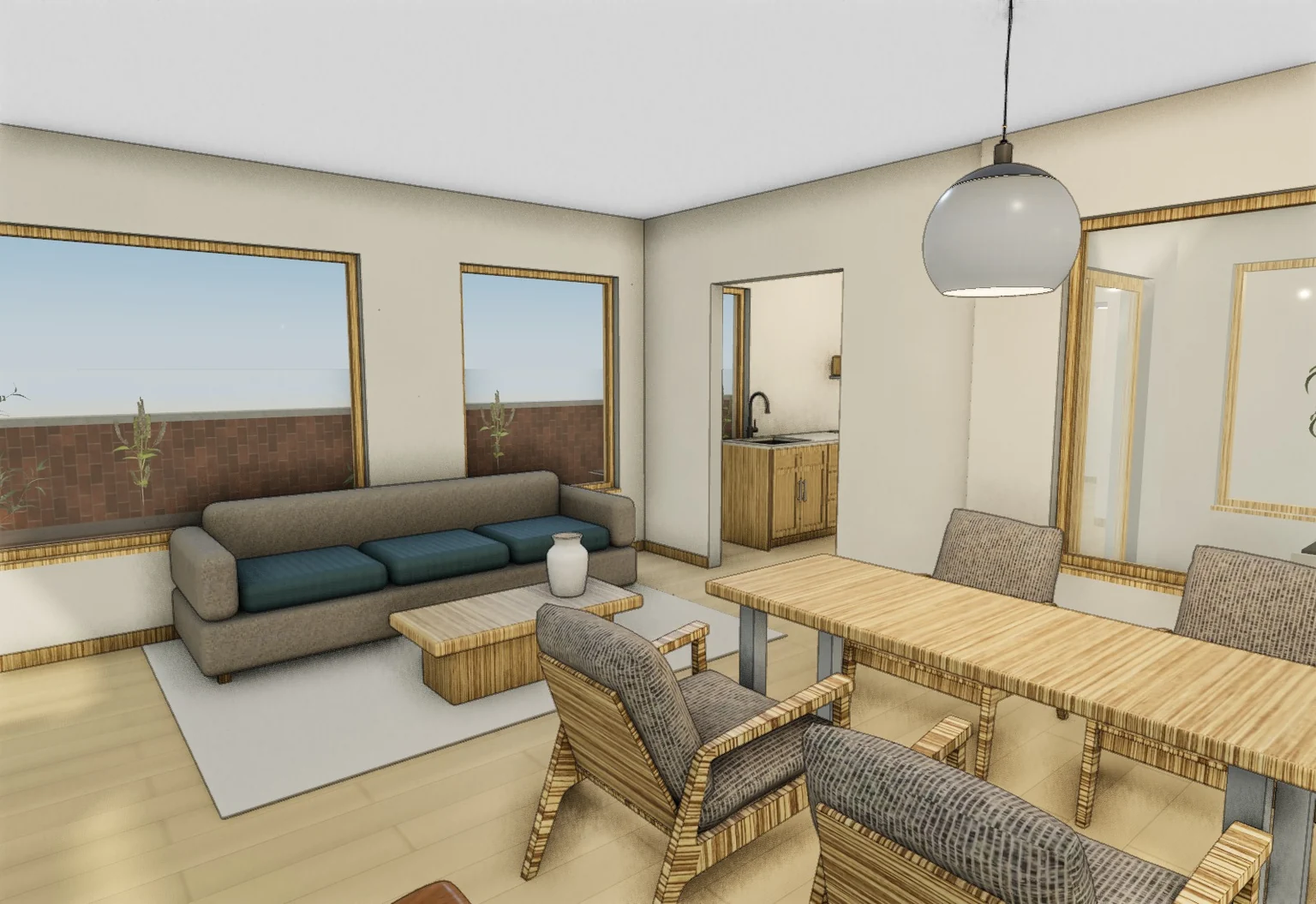
Dark timber, a table for fourA 1.4 m table for everyday meals, leather armchairs and a reading lamp.
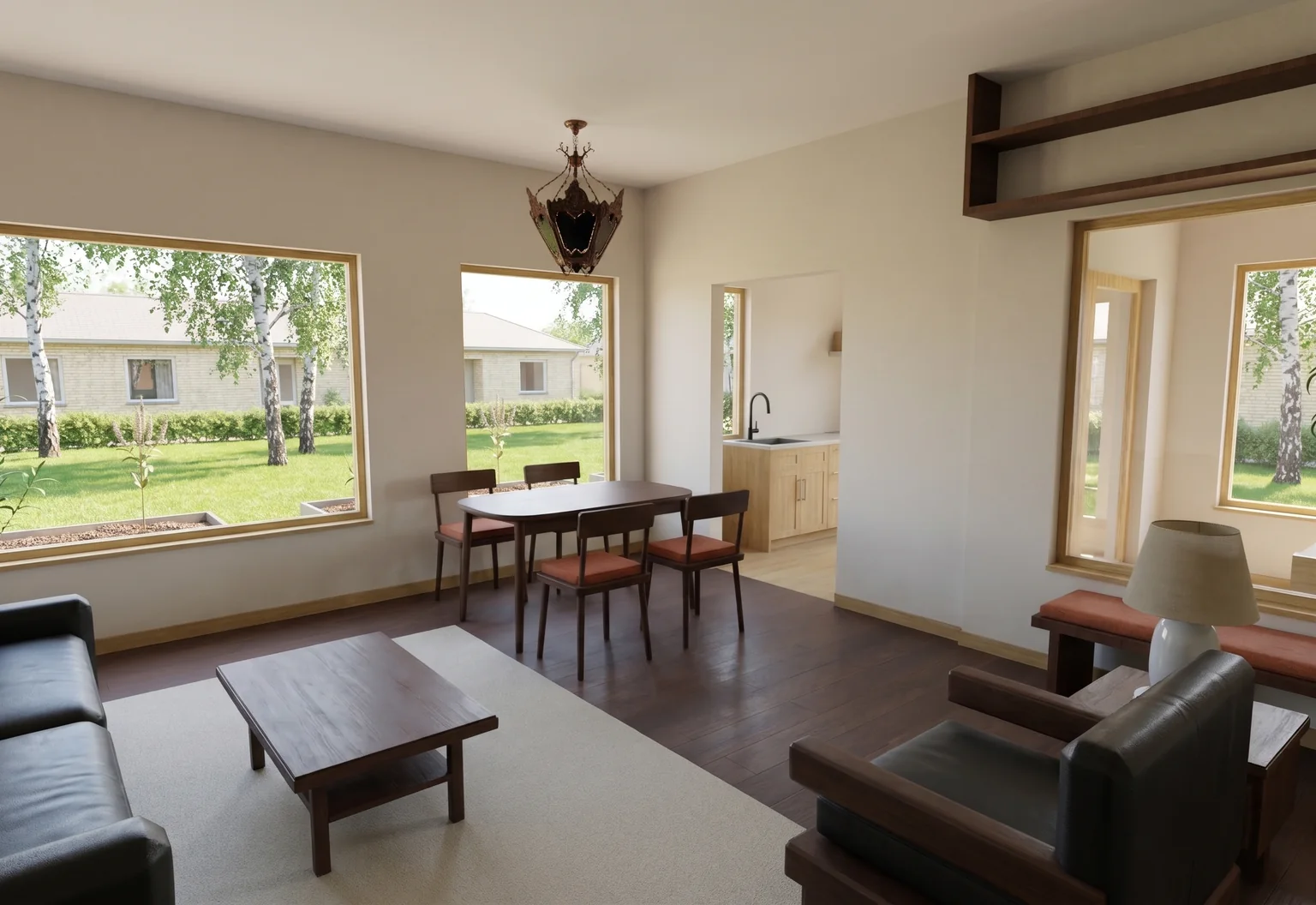
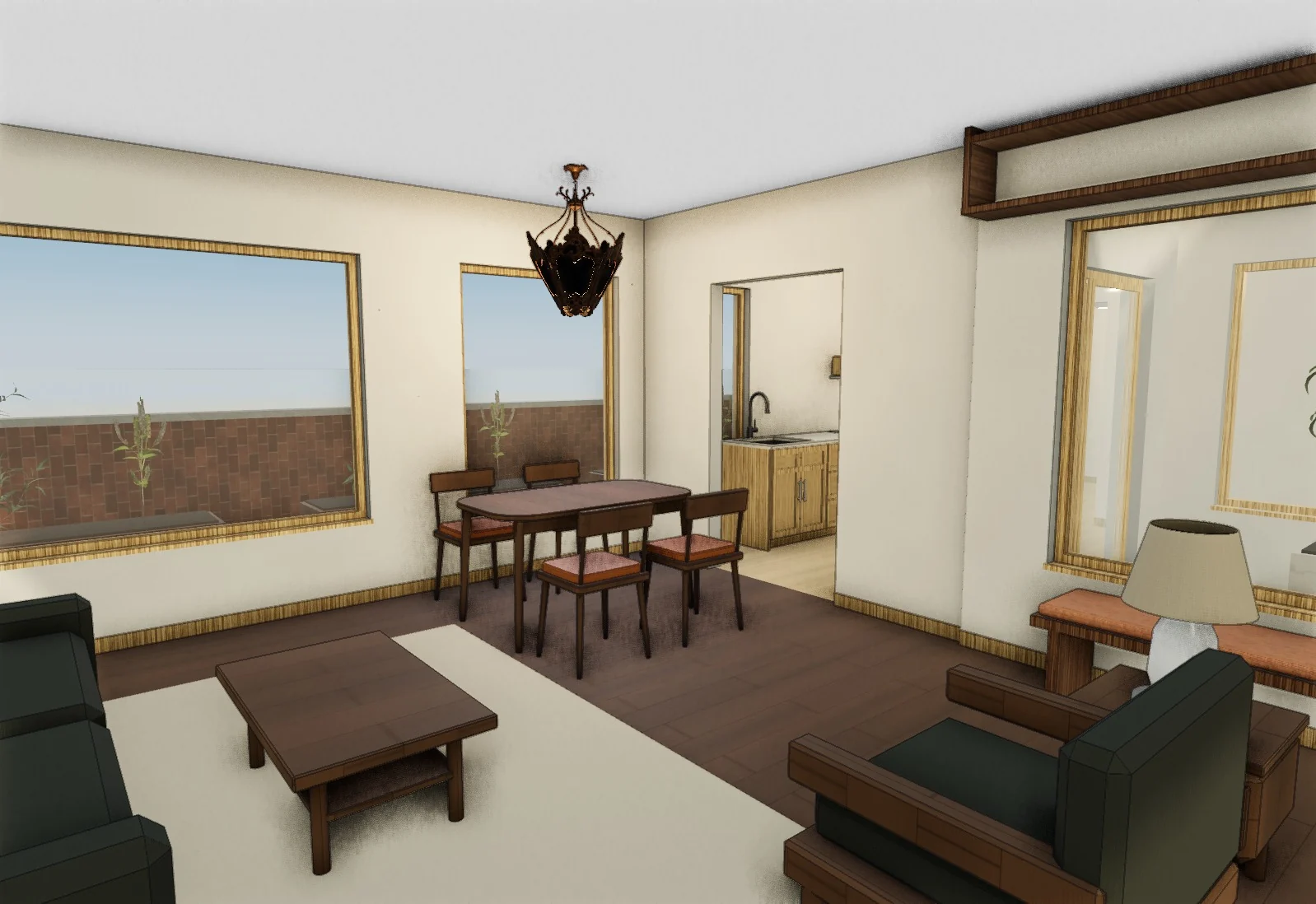 The modelAI photo of that view
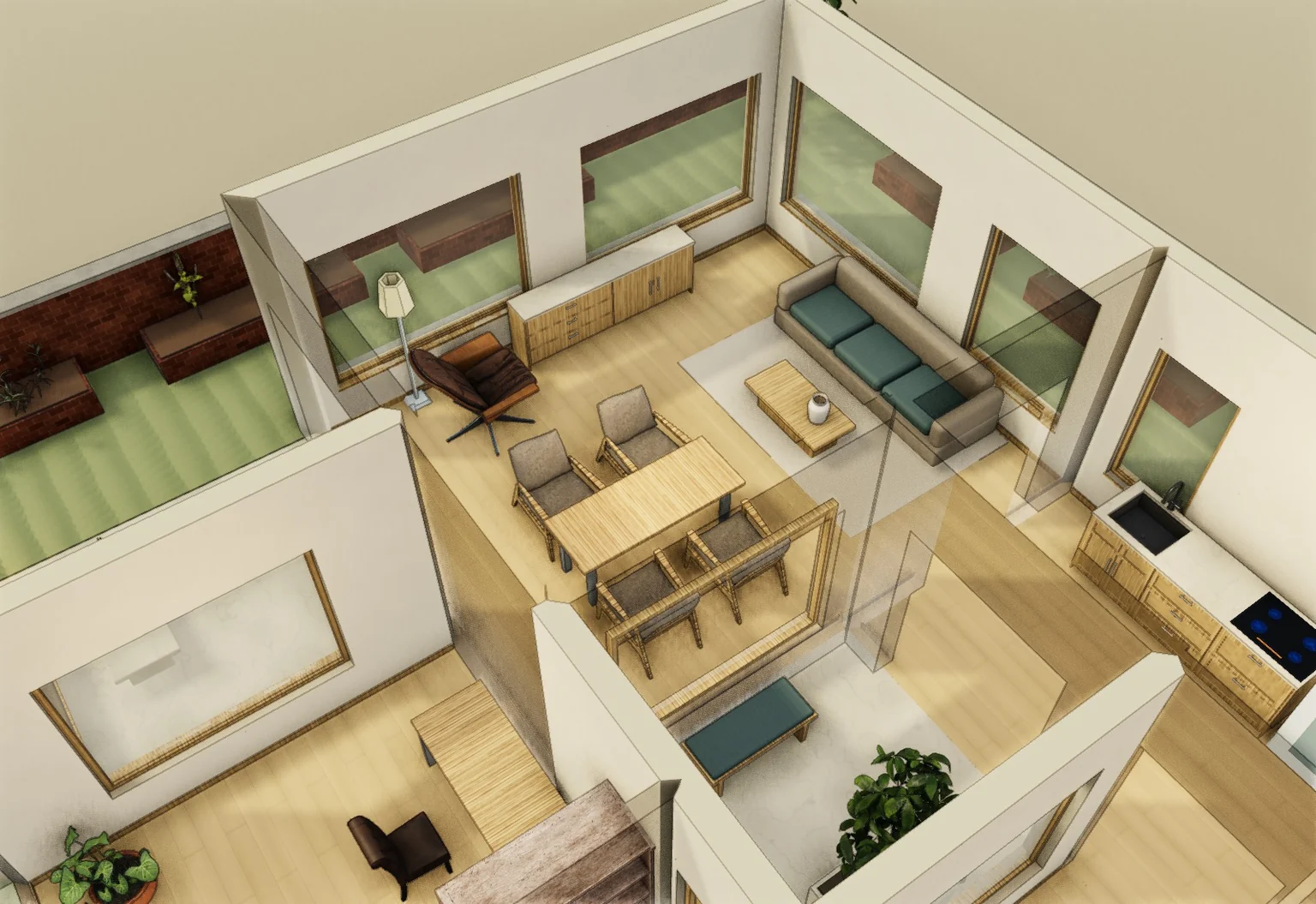
Each photo starts from the 3D view beside it, so the room and layout stay put and the pieces follow what you placed.
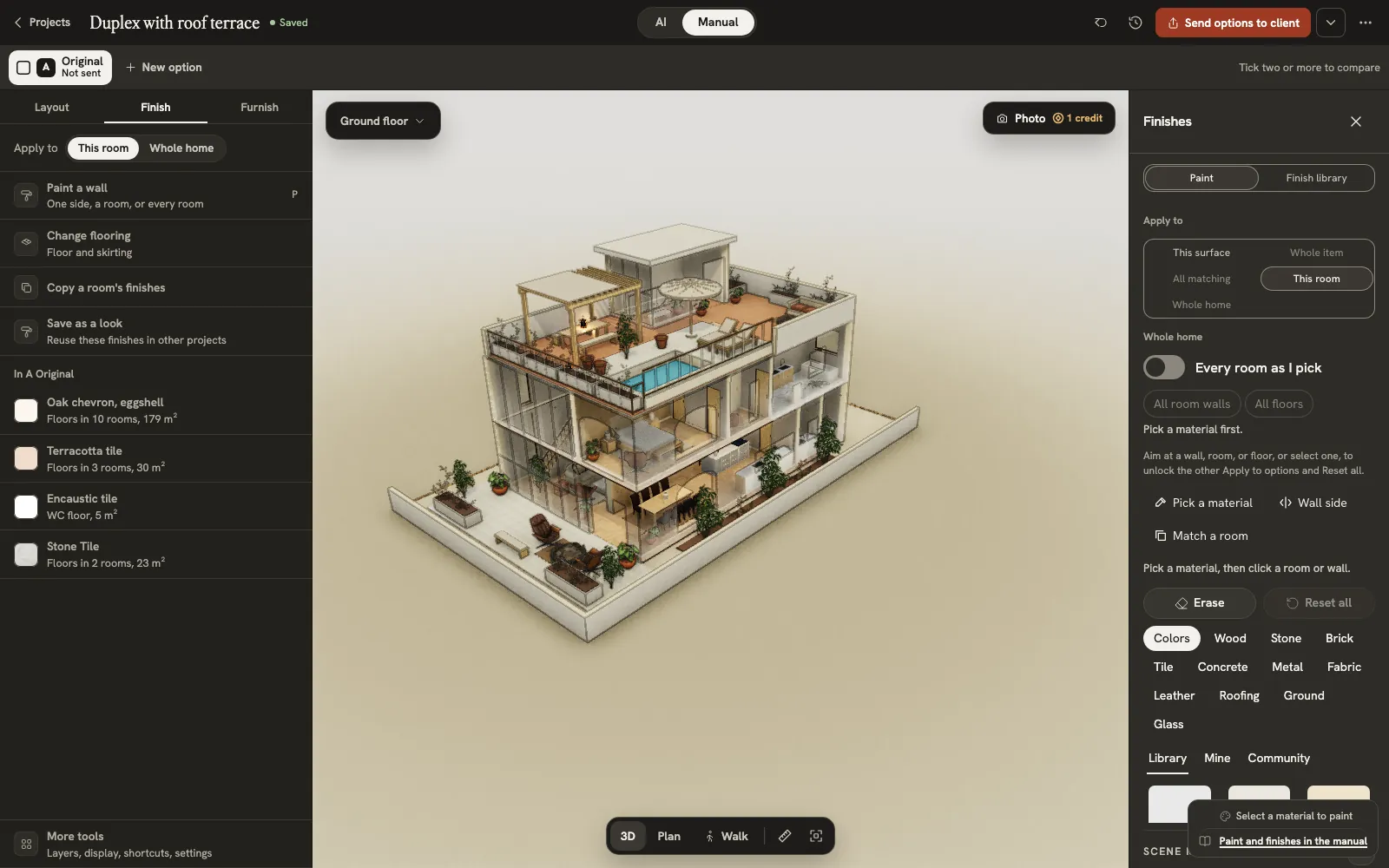
Save a room’s finishes as a look, then reuse it in the next client’s project.
AI photo of A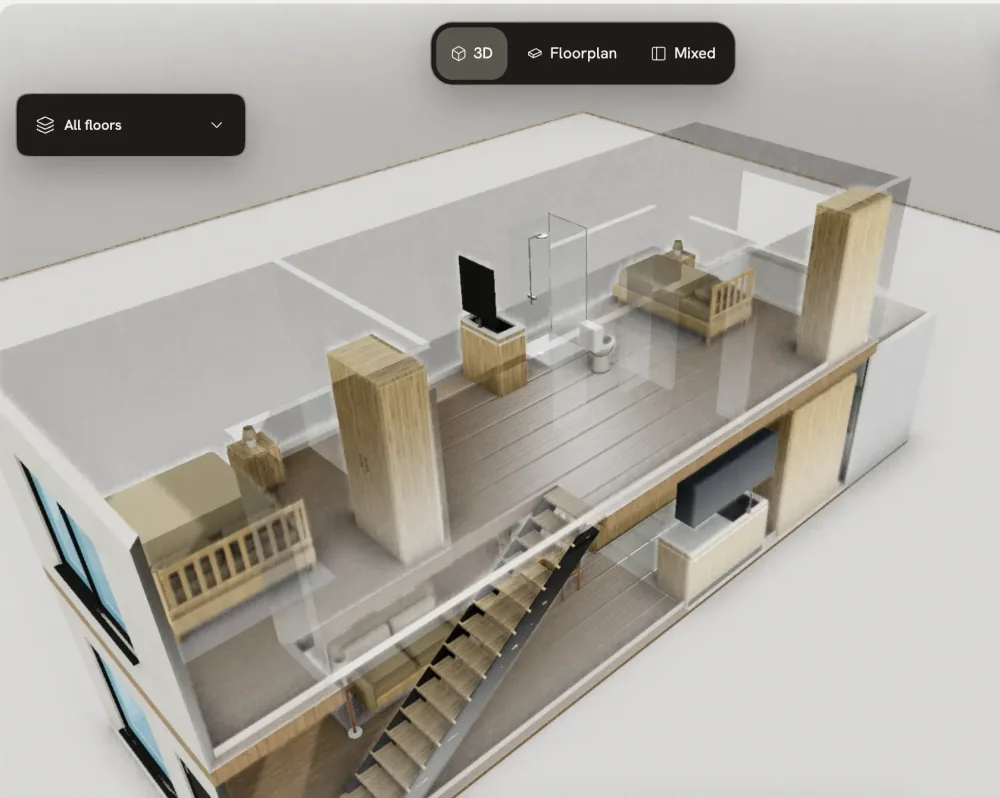
Each photo starts from your 3D view, so the room and layout stay put and the pieces follow what you placed. Your client’s link opens the model itself, not only the photo.
No. They open your link in a browser, with no account. They walk the room, pin notes under their name and, on Core, pick one look.
None on the room itself: it builds from the plan they send. Start from a look you saved instead of an empty room. An AI photo uses one credit, and Core has 80 a month. Try it first on a sample room, with no account.
Not from here: library pieces are generic, drawn at real sizes. Each shows its width, depth and height, so pick the one closest to what your client will order and check it against the product. A maker’s own 3D file, such as GLB, OBJ or FBX, imports as an object you move and scale.
A client PDF with your logo is on Team ($149 a month). Your logo shows on your studio page from Pro. On Core, the homes you publish carry your name.
You keep $76.47 of a $99.99 floor. That is 80% after a 4% + $0.40 payment fee; the first 200 studios keep 100%, $95.59. Payouts go out once a month, to an account we review.
Yes. Each offer waits 12 hours for you to accept or pass. Offers go by service and by metric or imperial units. New studios get a start: those with fewer than 3 finished jobs are offered work first. Homeowners find you by country and language and can name you as their preferred studio.
You keep the rights to what you upload, and uploading doesn’t let us train models on it. We process your files only for the features you use, such as building a model or rendering a photo. Projects and client links stay view-only if you cancel.
No. It builds the room; the design is yours. AI drafts options and photos you shape your way. Homeowners who want a person book a studio through us.
Yes. Upload a plan and see your home in 3D before you pay; editing it needs a plan. A failed build goes back to your monthly builds.
Yes, on any plan. Group drawings and PDF pages by physical floor, then review alignment, elevations and stair connections before confirming. A building project does not combine alternative sales unit types.
Pro and Team include supported MCP tools. Team includes API access. Use the web app for floor plan upload and file export.
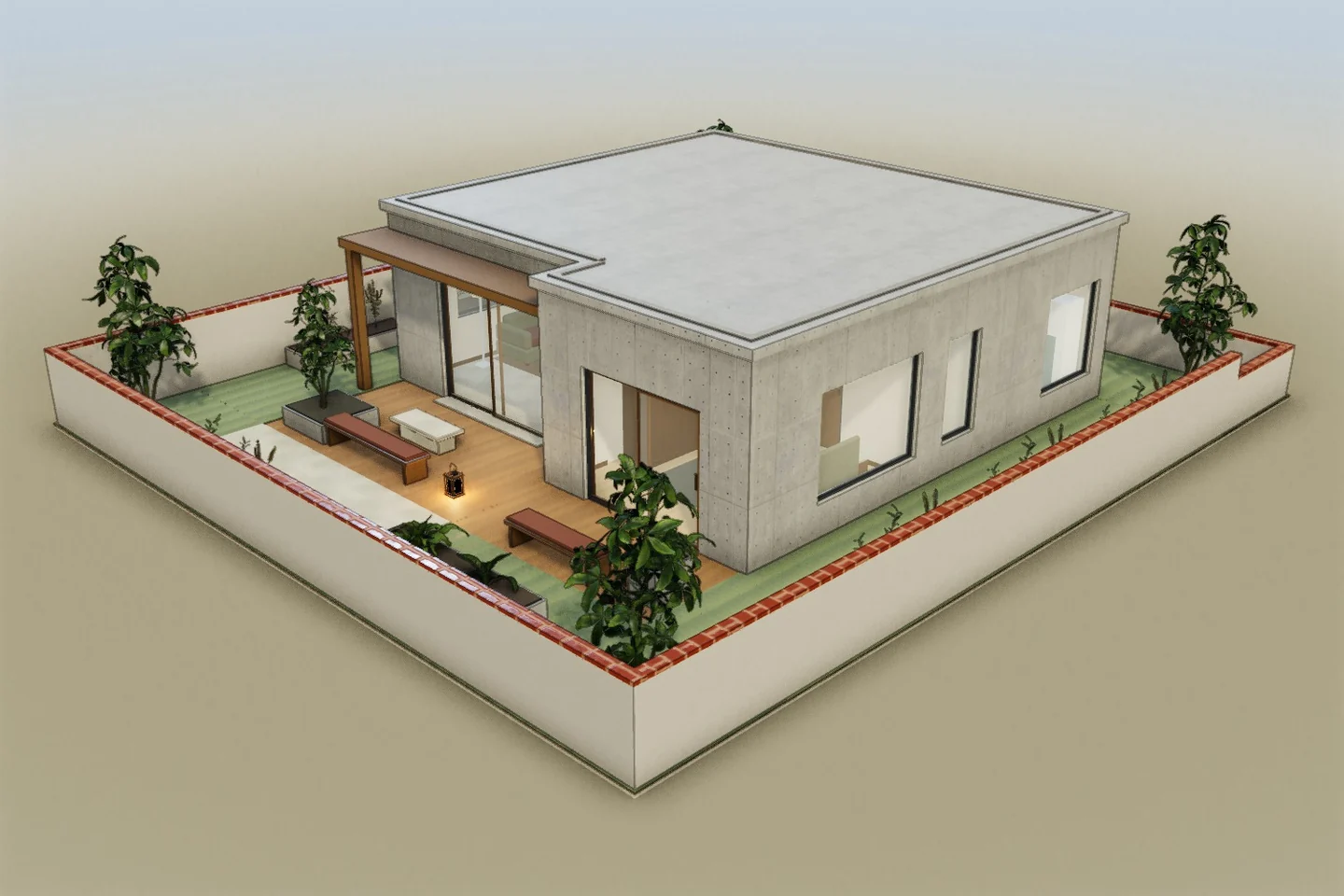
Their brief
“I need a proper place to work, room for four at dinner and a complete kitchen, all inside this apartment.”
The AI options they’ve already seen
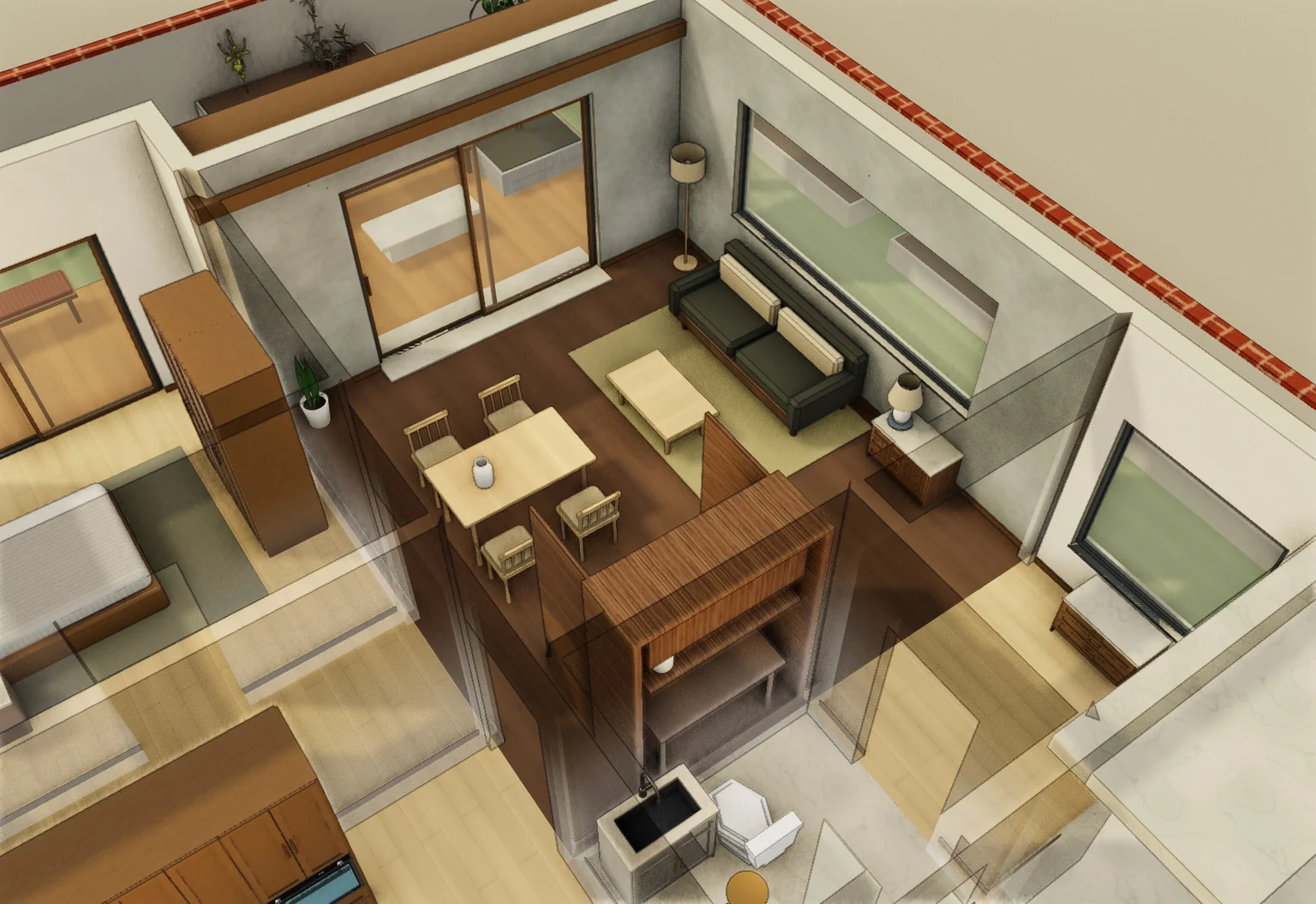 A · A desk you can close away
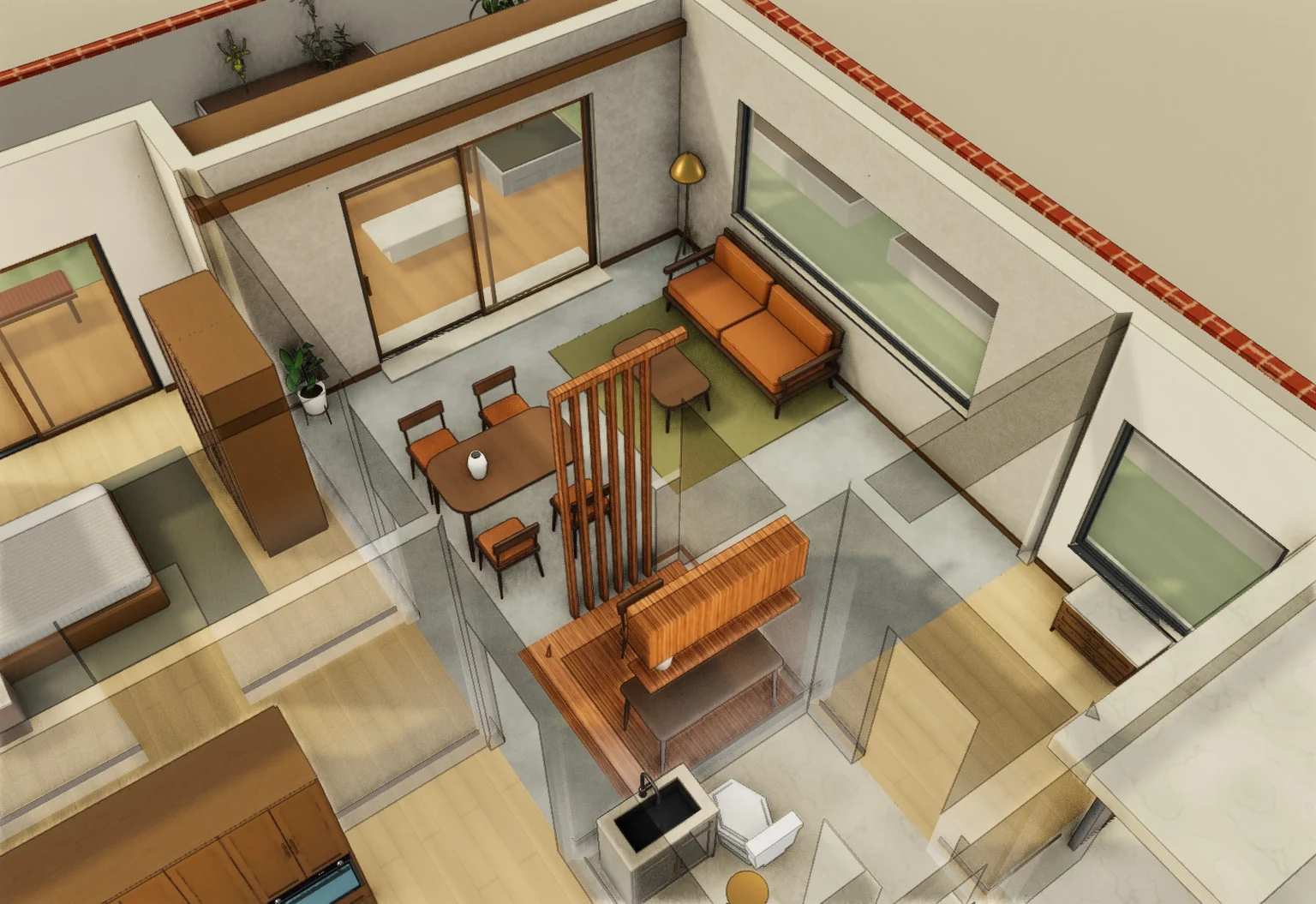 B · A screened work corner
12 hours to accept or pass
Studios apply from their account. We don’t guarantee a number of jobs. Interiors work keeps walls, doors and windows where they are. Real offers arrive by email and in your studio settings.
Upload their plan or sketch and walk it in 3D.