Duplex, an example brief
“We want the shared rooms, bedrooms and roof terrace to feel like one home. Show us one version for having people over and one for quieter family life.”
5.4 × 6.4 mLiving room, on the plan
Upload a sketch, PDF or photo of your plan, and see the kitchen without that wall before anyone takes it down.
A PDF, an image or a photo of a paper plan. We read its scale and mark any size we can't confirm.
A photo of your plan or sketch, a file, or draw it.

A scripted run of the assistant on the home you picked above. Proposals A and B were designed with AI for its brief, and every change waits as a preview until you keep it.
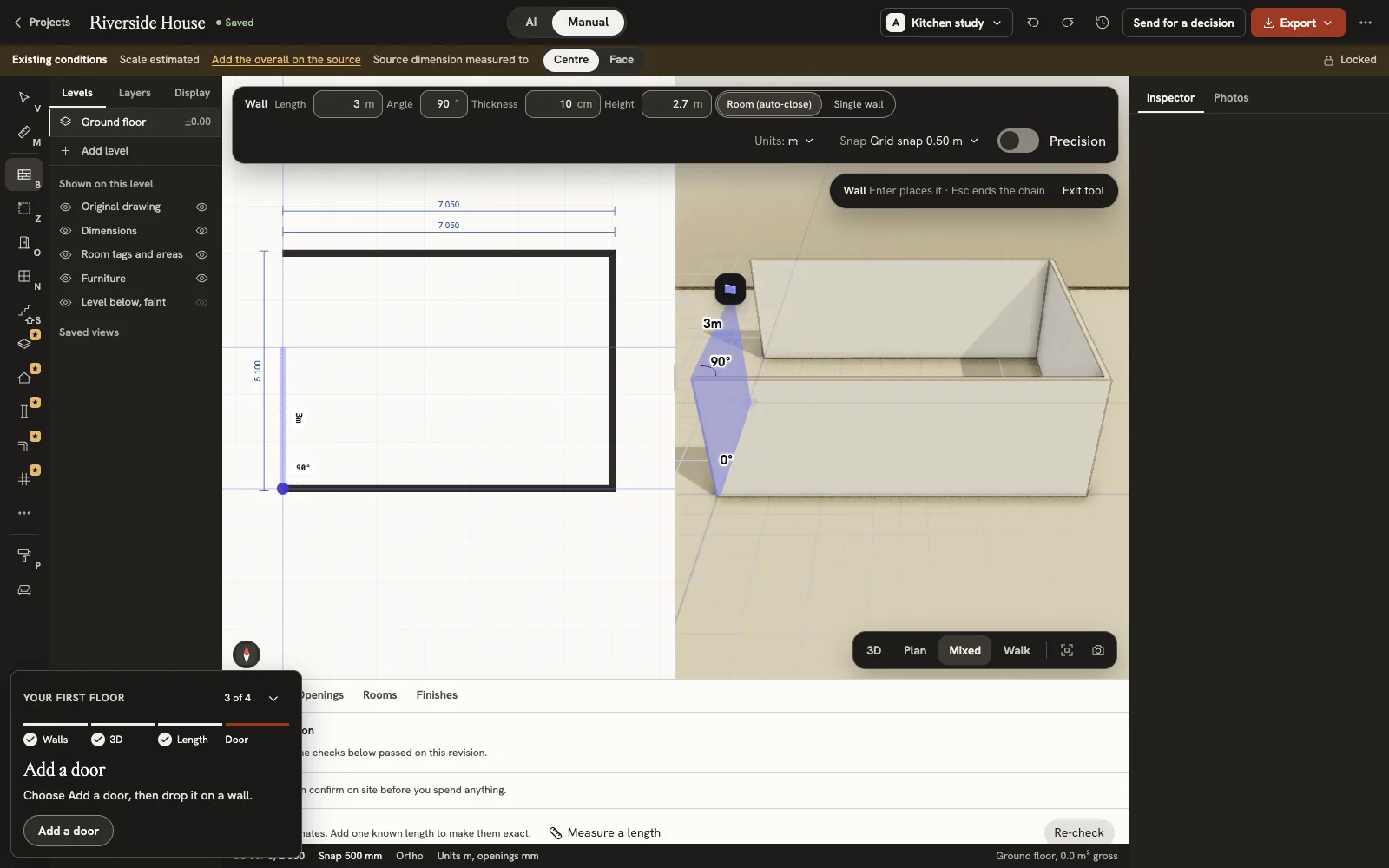
Casa René started as a phone photo of a pen sketch with eight measurements written on it. The first model took its size from those numbers; we then matched it to four photos of the real rooms.
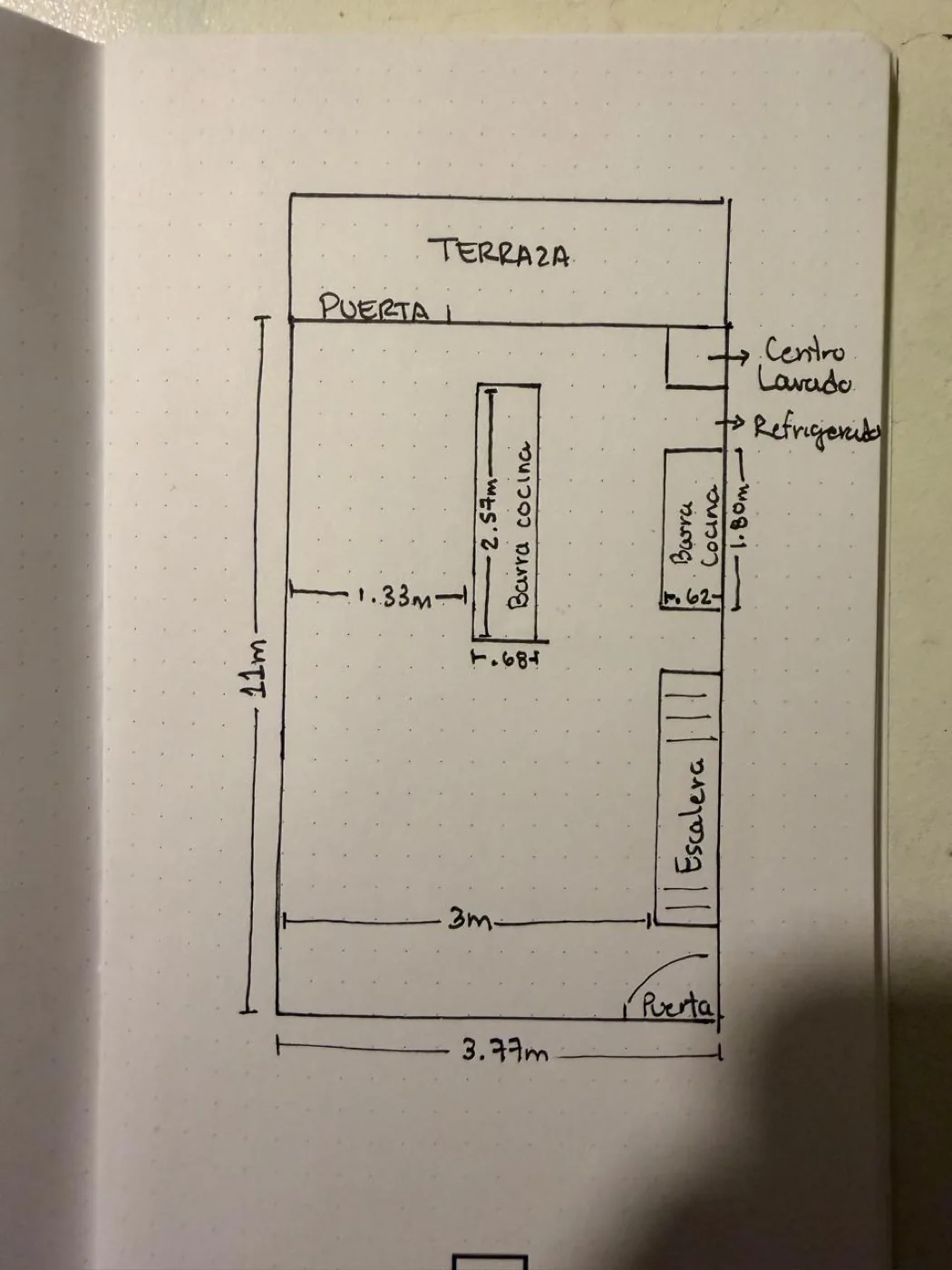
3.77 × 11 mWritten on the sketch
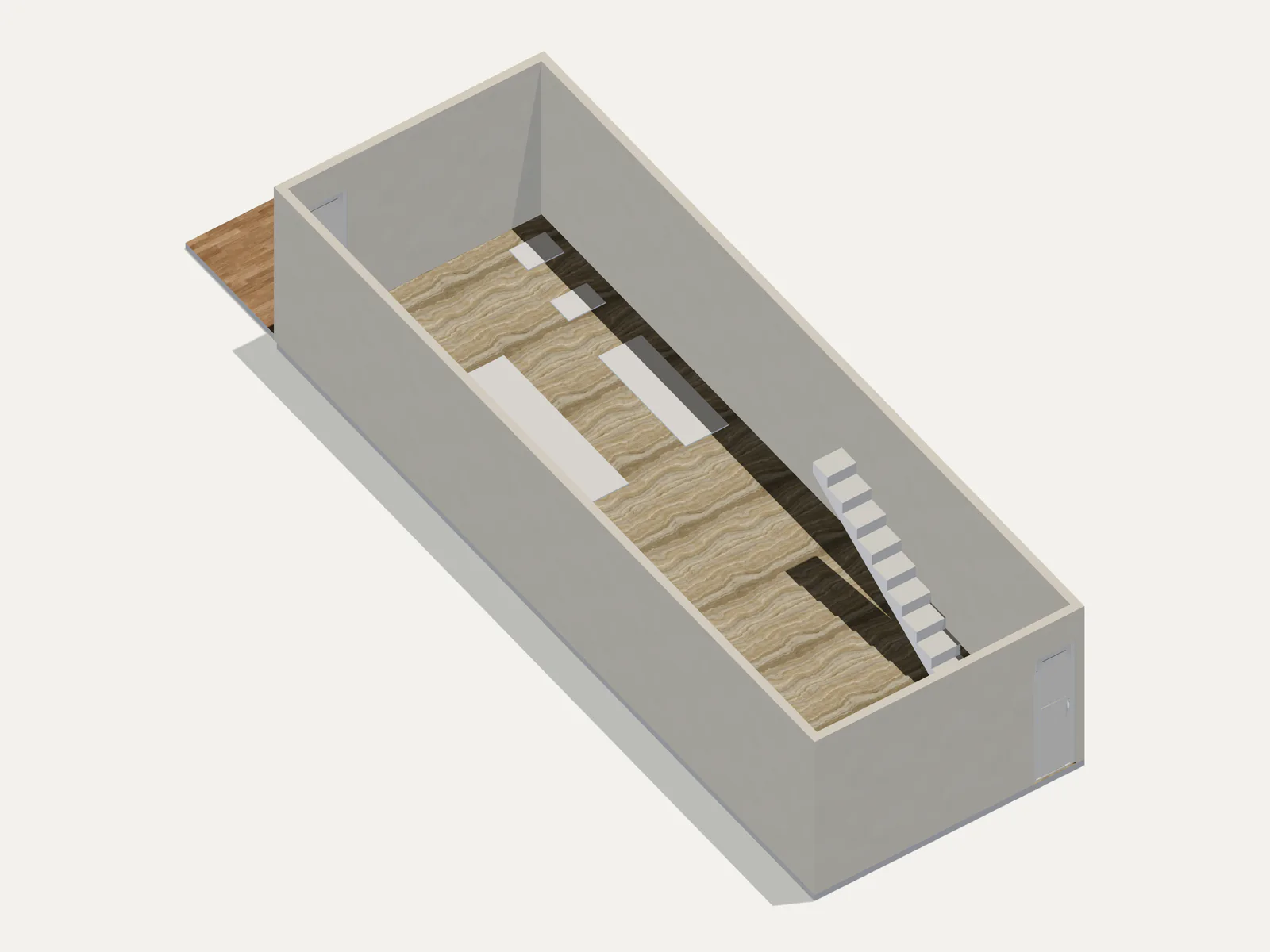
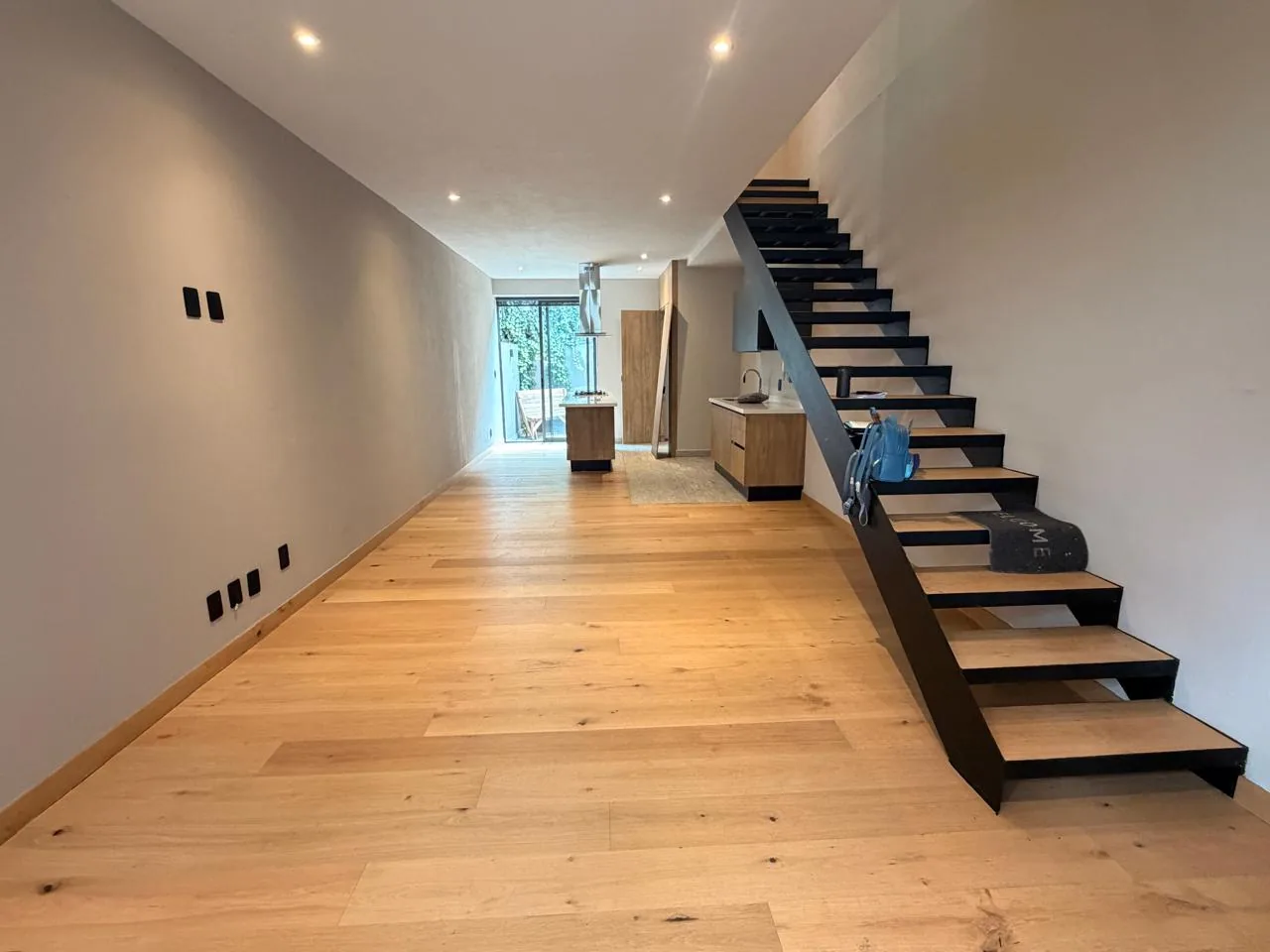
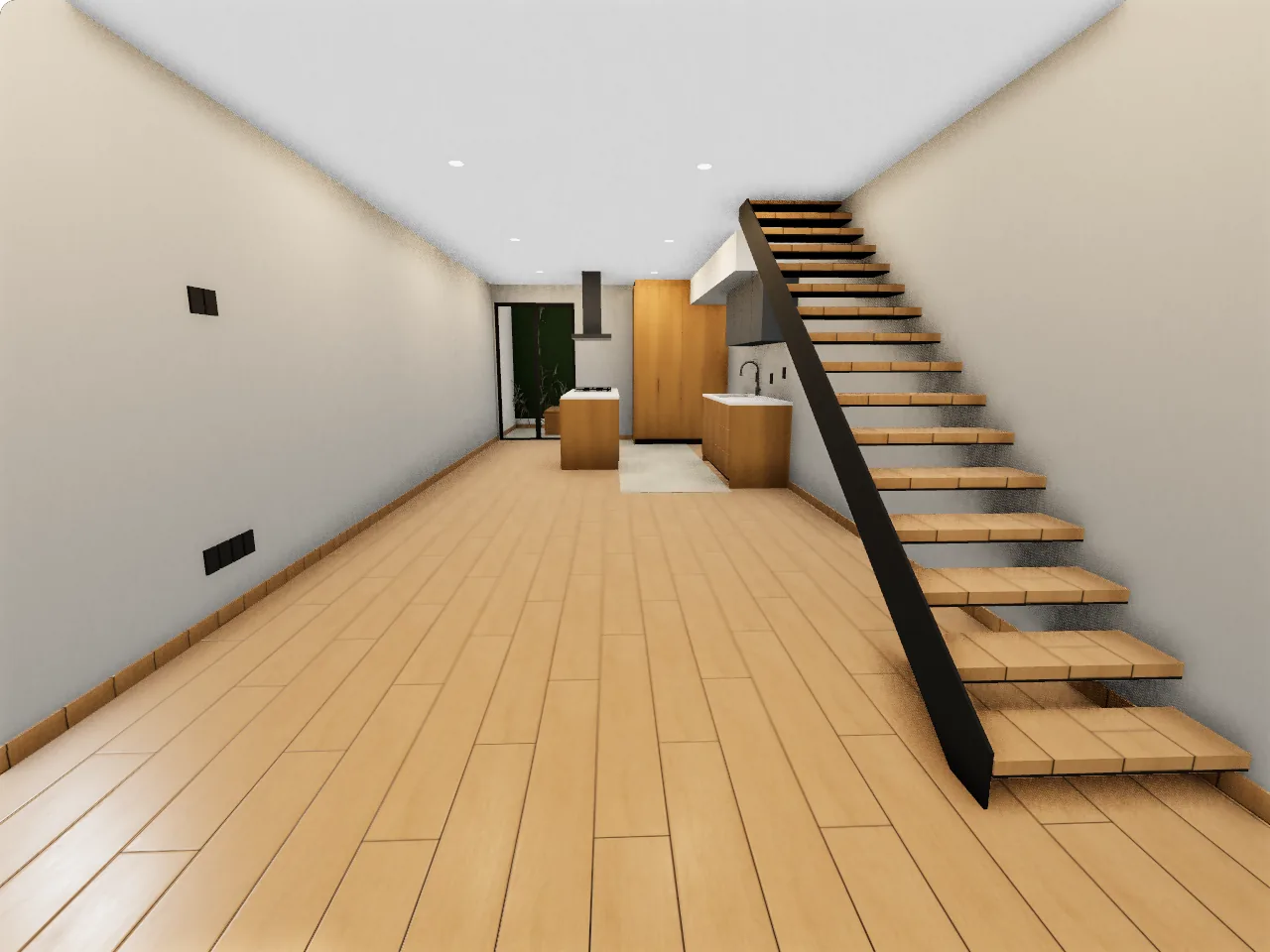 Model
ModelReal photos and model views · upper floor inferred
Read how Casa René was built“We want the shared rooms, bedrooms and roof terrace to feel like one home. Show us one version for having people over and one for quieter family life.”
5.4 × 6.4 mLiving room, on the plan
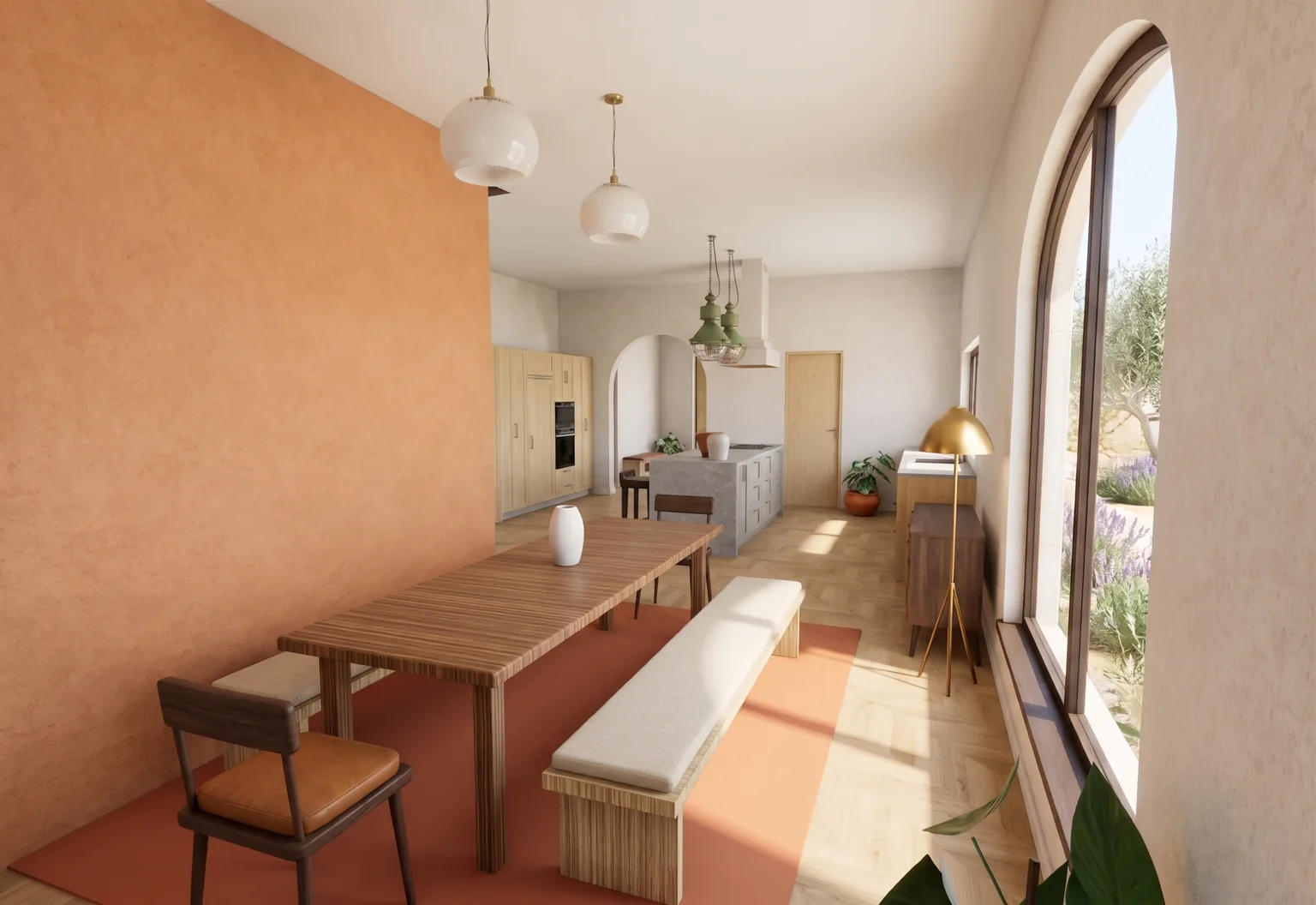
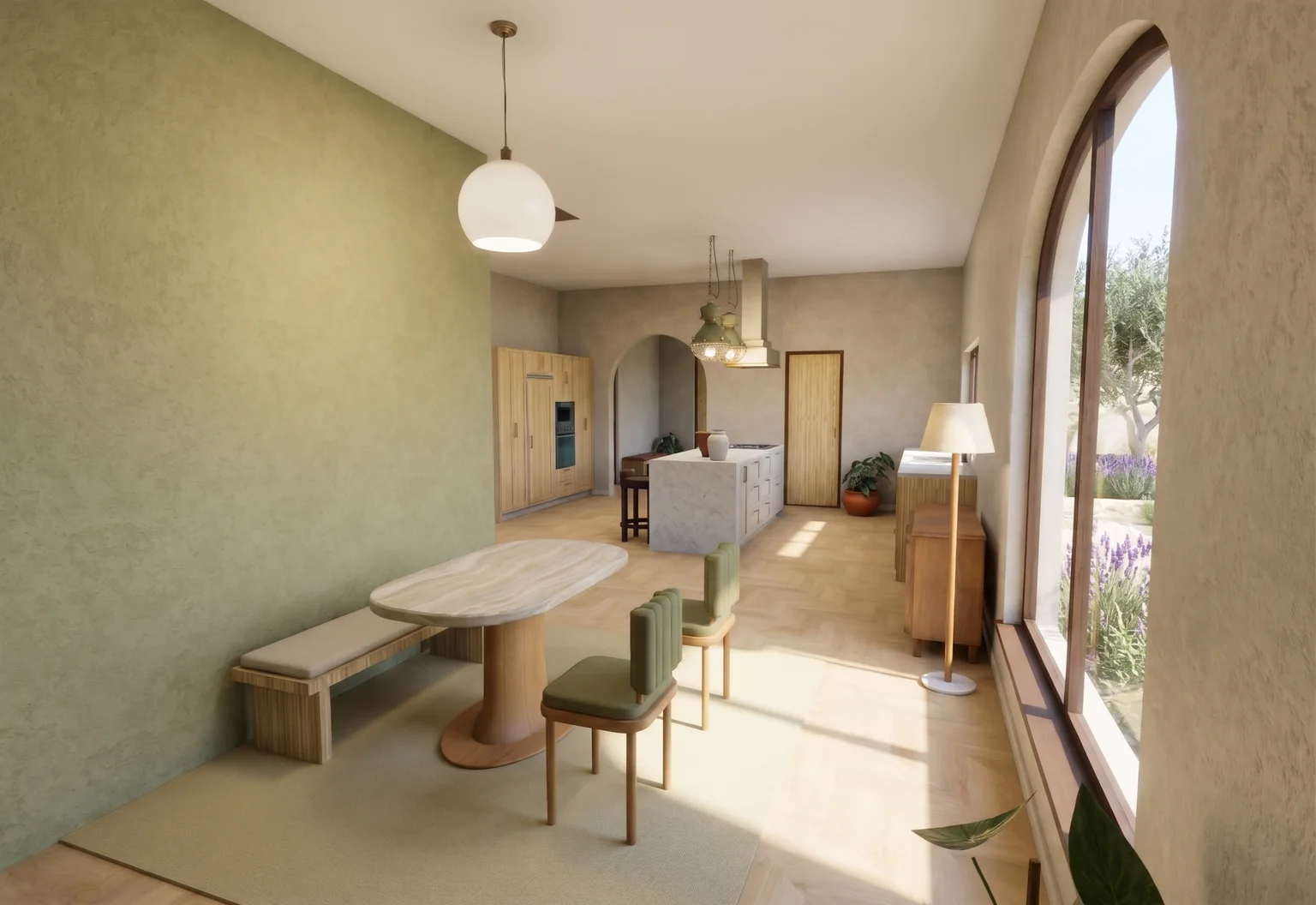
Both designed with AI
Send the proposal to a partner, a contractor or a studio. They open it in their browser and leave a note on a room or a wall.
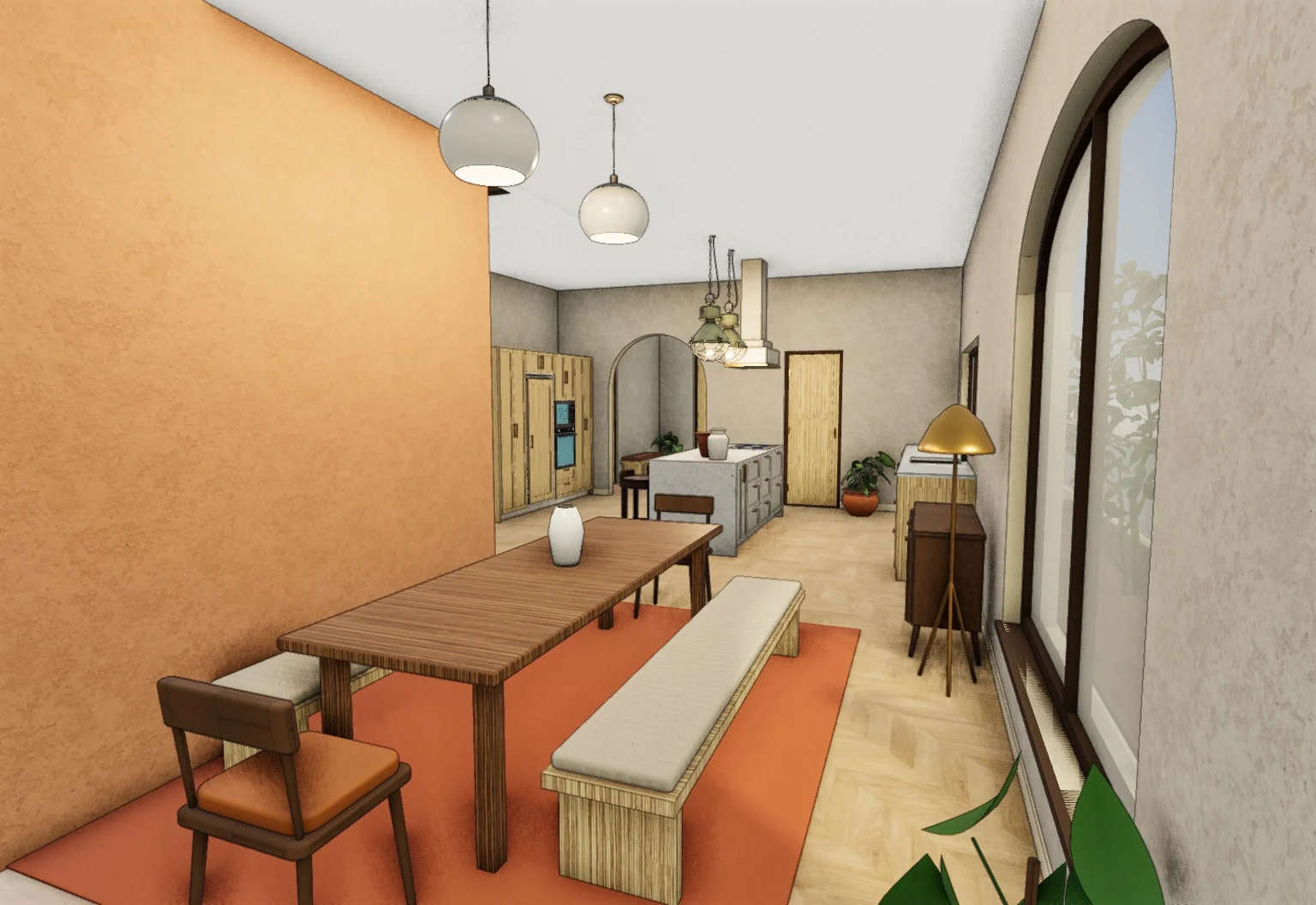 inktobrick.com/v/copper-yardCopiedProposal A · A home for hosting
Frame the room and see it with realistic light and materials. Each photo stays linked to the version it came from.
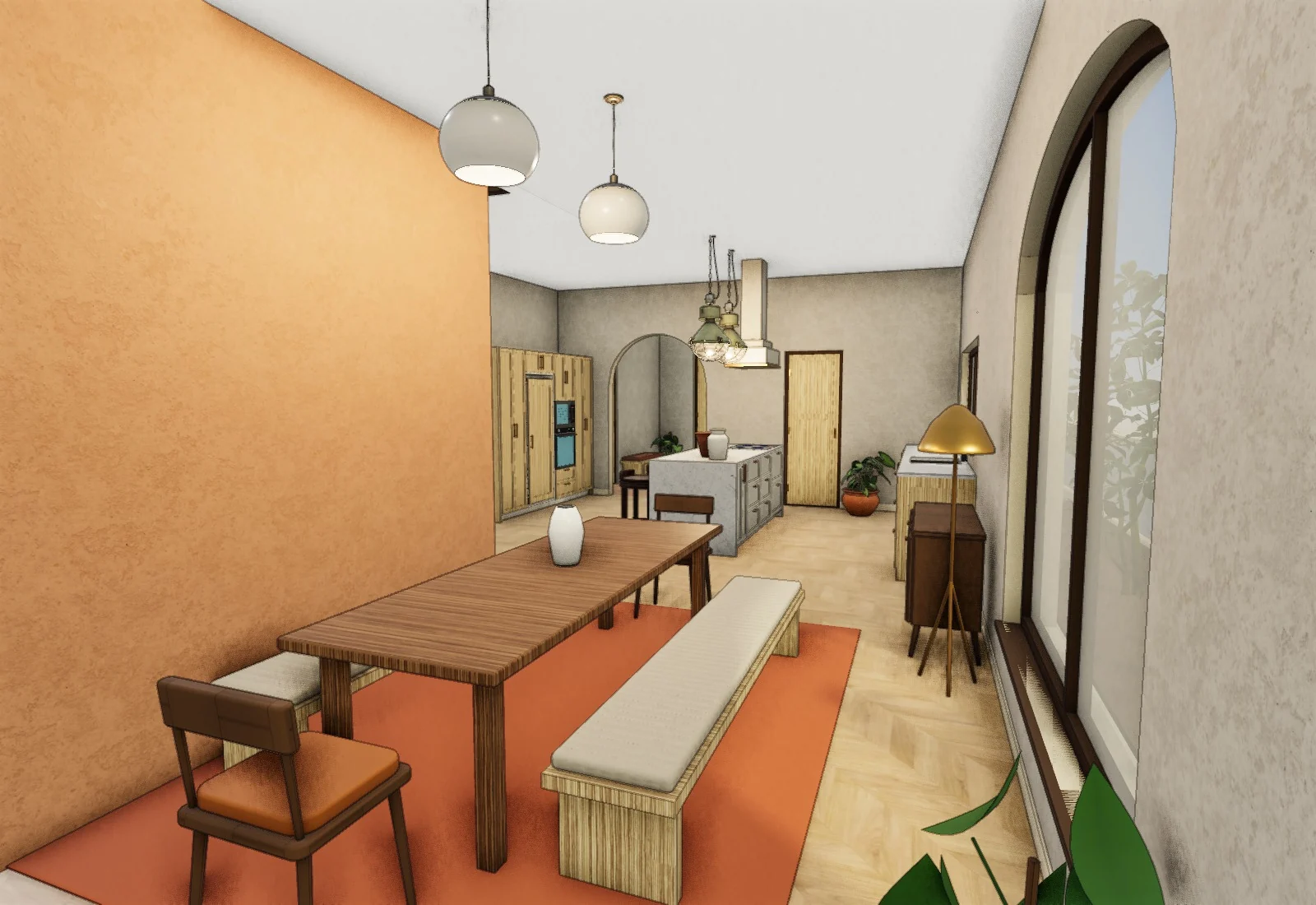 3D viewAI photo
Yes. A phone photo of a plan or a sketch is enough to start. Upload a PDF, PNG, JPEG, SVG or DXF up to 25 MiB. Casa René started as a pen sketch in a notebook. If a drawing can’t be read, the app tells you why.
No. Your home stays private unless you publish it. Cancelling doesn’t publish it, and a share link opens only for people who have it.
Every AI photo starts from your 3D model, so your rooms and layout stay put and the furniture follows what you placed. The model itself is one tap away, and every AI edit is a preview you keep or undo.
Place the library piece closest to yours and measure what’s left. Every piece shows its width, depth and height, and the Measure tool reads the gap around it.
You upload your plan and see your home in 3D before you pay. To edit your own home, plans start at $6.99 a month on Home, which covers one home of up to 2 floors; cancel in Settings and it stays viewable. The sample duplex is free to edit with no account.
Yes. In the editor you move or remove walls and place doors and windows by hand, or describe the change and let the AI draft options. Your own home’s walls move on every paid plan; the sample duplex is free to try first.
Walls, openings and rooms are rebuilt from the drawing, so sizes read off a drawing are approximate, and the model labels them that way. Give it one known length, such as a door or a wall you measured, and it has the scale to work from; the scale status tells you what it used.
One floor usually takes several minutes; large or hard-to-read drawings take longer. The app shows each step as it finishes, and you can close the tab once the build has started.
Use a tablet or computer to place and move furniture. A phone can review a project and change finishes.
You send the brief from your project. One studio gets it first and has 12 hours to take it; if it doesn’t, you choose another studio or get a refund.
A sketch, a PDF or a photo of your plan, as a home you can walk through.