GPT-6 Astra Ultra or INK TO BRICK first: Blender cost and time
Compare the full cost of floor-plan reconstruction and AI modeling in Blender: preparation, usage, corrections and a reviewed file.
On this page
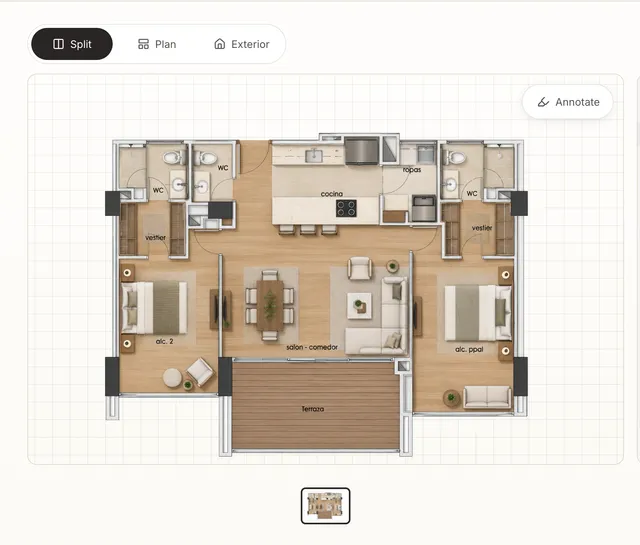
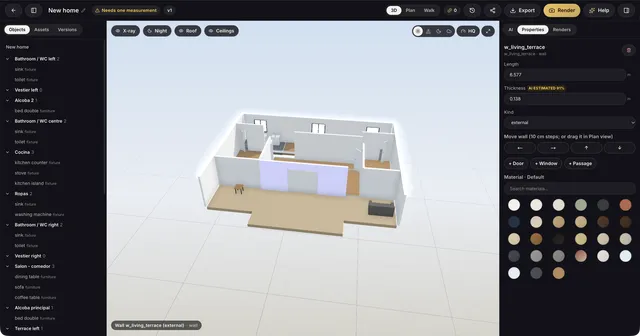
To compare floor-plan reconstruction with an AI-built Blender scene, measure the work needed to reach a reviewed file. Include preparation, execution, corrections and dimension checks. We do not have a timed same-plan test of both routes; the steps below help you make that comparison on your own project.
Compare what each price buys
Confirm package allowances on pricing. Subscription access and metered API usage can be billed separately. For Astra, check the model page and current API rates. A client preset name such as Ultra does not by itself establish the bill.
Calculate the cost of the whole session
Sum billed usage across every request, including retries, at the rate for its token category and service tier. Add any tool or compute charges. Record source preparation, model correction and verification time separately. A low-cost generation that needs extensive correction may not be the least expensive route for the project.
For an arithmetic example, suppose route A costs USD 5 in usage and needs 35 minutes of human review, while route B costs USD 6 and needs 20 minutes. At an assumed USD 30 per hour for that time, A totals USD 22.50 and B totals USD 16. The higher usage bill is cheaper overall in this example. These are invented inputs, not measured results for either product; replace them with your bills and recorded time. Compare only after both files pass the same geometry and reopen checks.
Use the same definition of finished
- Use the same source plan and reference measurements for both routes.
- Compare walls, doors, windows, levels and dimensions before decorating.
- Record time spent correcting errors as well as generation time.
- Save, close and reopen the final file in Blender. Check orientation, scale and materials.
Where a hybrid workflow helps
INK TO BRICK gives you an architectural review and saved layout options before export. Blender lets you continue with custom modeling, materials and lighting. If reliable geometry already exists, you do not need to generate it again to try an AI tool. Follow the hybrid workflow and the Revit and Blender handoff.
If you prefer an assistant-first Blender workflow, keep the source evidence and review the result against the same criteria. The useful choice depends on your starting point, required edits and observed correction work; this article does not establish that either route is always faster.
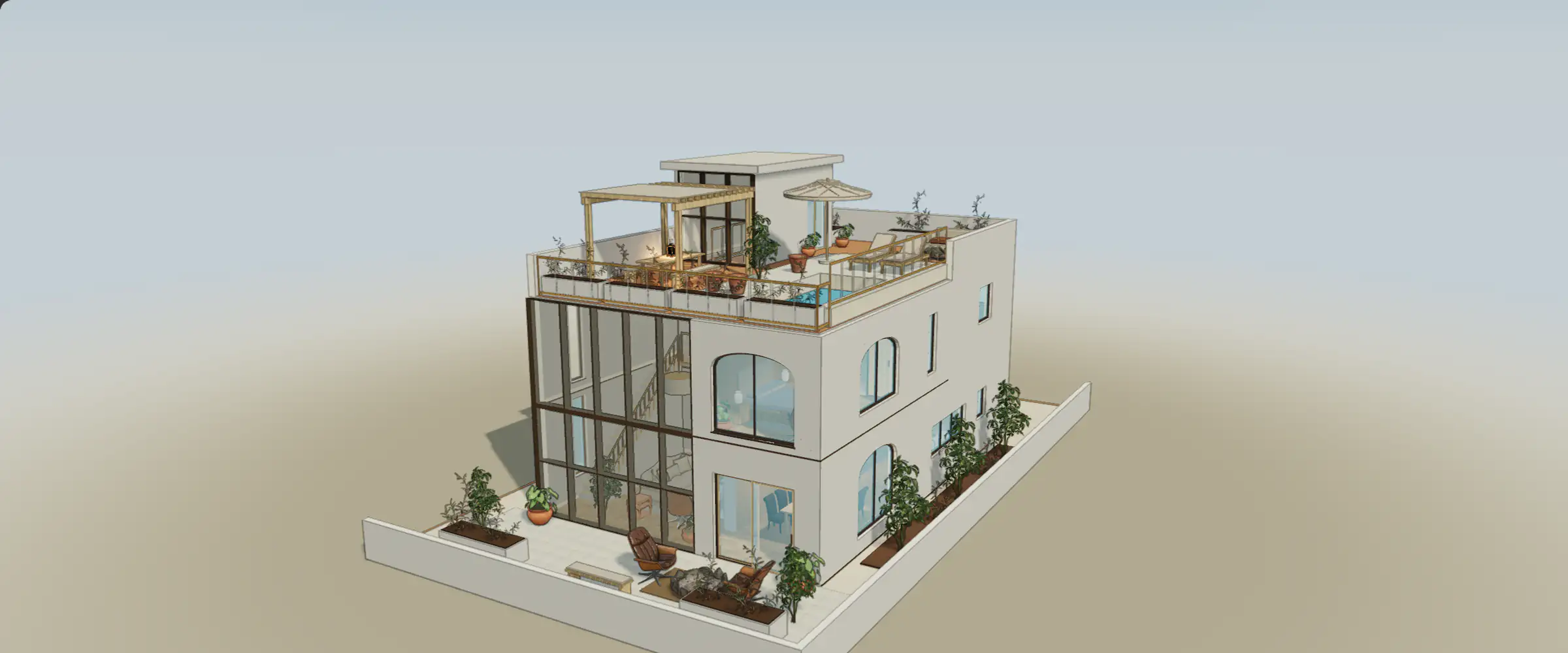
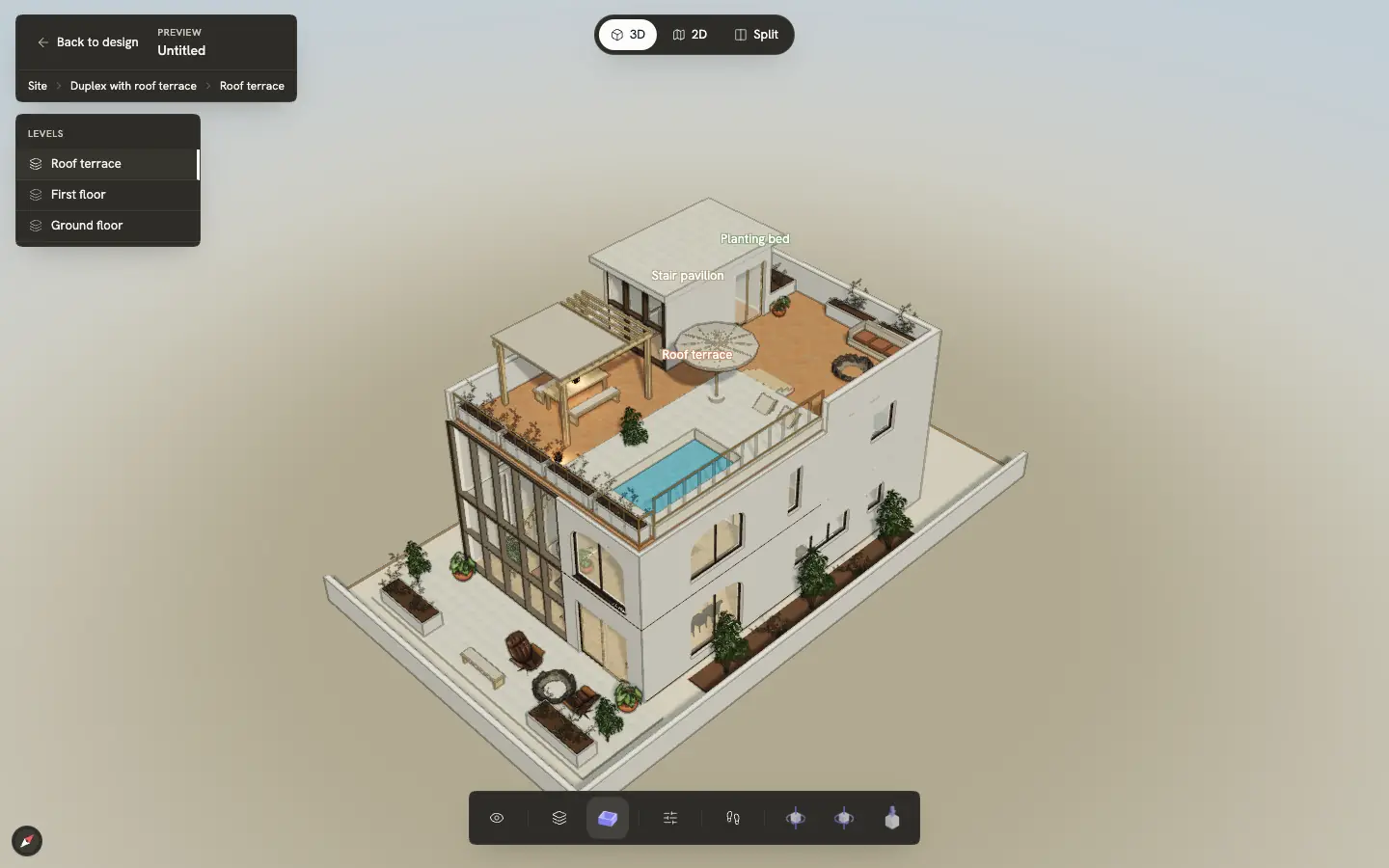
Inspect a reference in 3D
Orbit the model and zoom toward an opening. Which spaces does it connect, and what is hidden from the opposite angle?