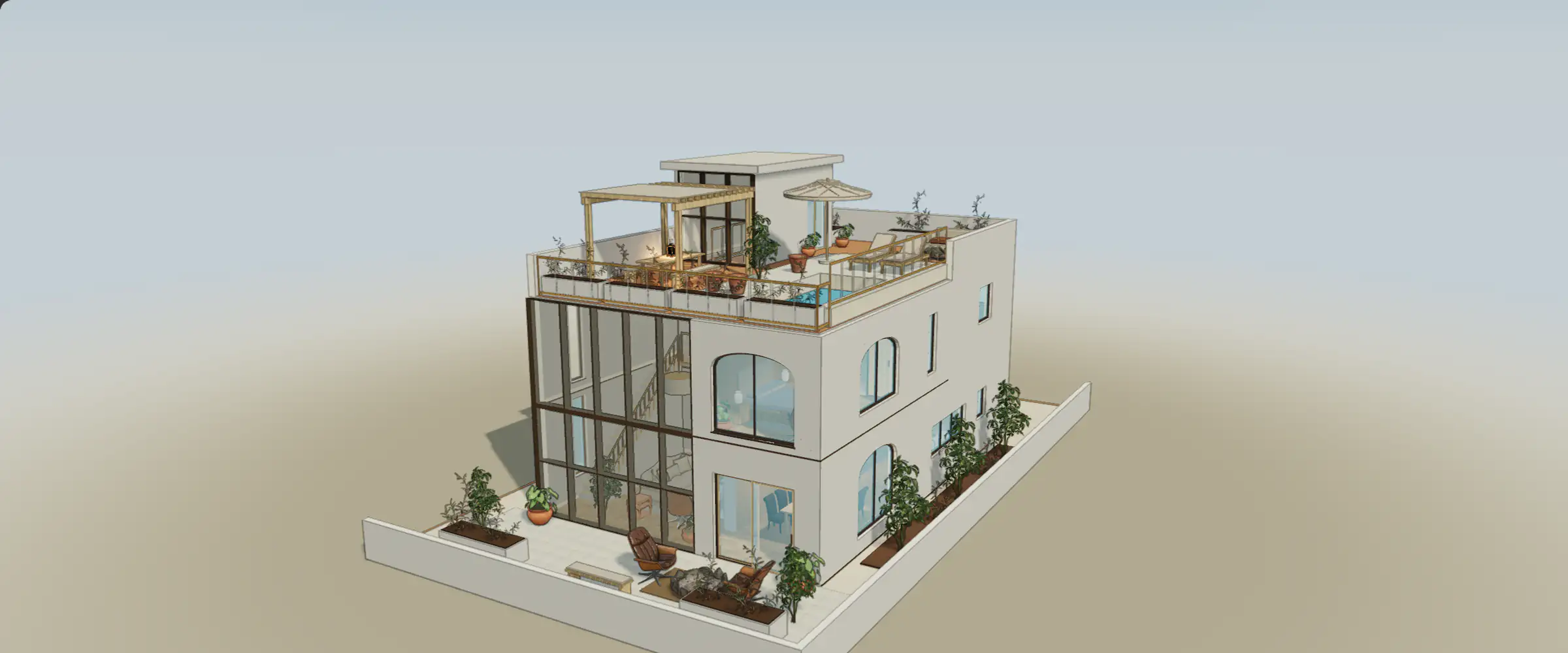
The sample is a place to learn the editor without an account. Your own home is a separate project with its own source, access and saved versions. Use this guide before moving from a sample exercise into work you need to keep, export or discuss with someone else.
Start your home from the sample
- Choose Start your own home. Follow the existing account and create or upload journey; the sample scene and its comments are not transferred.
- Use a floor plan or model you have permission to upload. For a drawing, preserve its scale, page and known measurements; for an existing model, check format, units and import warnings.
- Review the access offered to your account and the current pricing before starting a paid action. An eligible first one-floor build and the right to edit or save a project are different access decisions.
- Inspect the result before editing. Open the editor and check its save status after a small change, then reopen the project from your account to confirm the intended version.
Keep local and account storage distinct
Each sample home stores local options, edits and sample comments in this browser. That storage is not an account backup and does not synchronize devices. In a project, check the saved state rather than assuming that an image of the current scene proves it was saved. If saving fails, keep the tab open and follow the recovery guide before replacing local work.
Choose the audience deliberately
Private project access, a revision-specific view link and a public release are different ways to share. Workspace roles and assigned homes control who can inspect or edit private work. A view link refers to its selected saved revision. A public release sends model data to visitors’ browsers, where it can be copied. Review the exact release before publishing; do not rely on a public model to keep sensitive geometry private.
Inspect what is included
Input and normalized floorplan images remain private unless explicitly included in a published release. Check the title, profile, selected images and location controls as well as the model. Public comments are visible to a different audience from private project threads. Revoking a link or unpublishing stops that access path, but cannot retrieve copies someone already downloaded.
Prepare and upload your floor plan
Recover a project that will not save
Read how source files, models and public releases are handled
Inspect a reference in 3D
Orbit the model and zoom toward an opening. Which spaces does it connect, and what is hidden from the opposite angle?