INK TO BRICK vs MeltFlex: GLB output or project editing
MeltFlex’s API can return a real GLB, not only an image. The decision is whether your workflow needs a conversion endpoint or a project for ongoing design review.[1][3]
Where each one fits
Choose INK TO BRICK if
You want a user-facing project with corrections, alternatives, sharing and export rather than building those interactions around an API.[3][4]
Choose MeltFlex if
You are integrating image or GLB generation into an application and can build the review experience around the returned artifact.[1]
Task by task
See the editing workflow
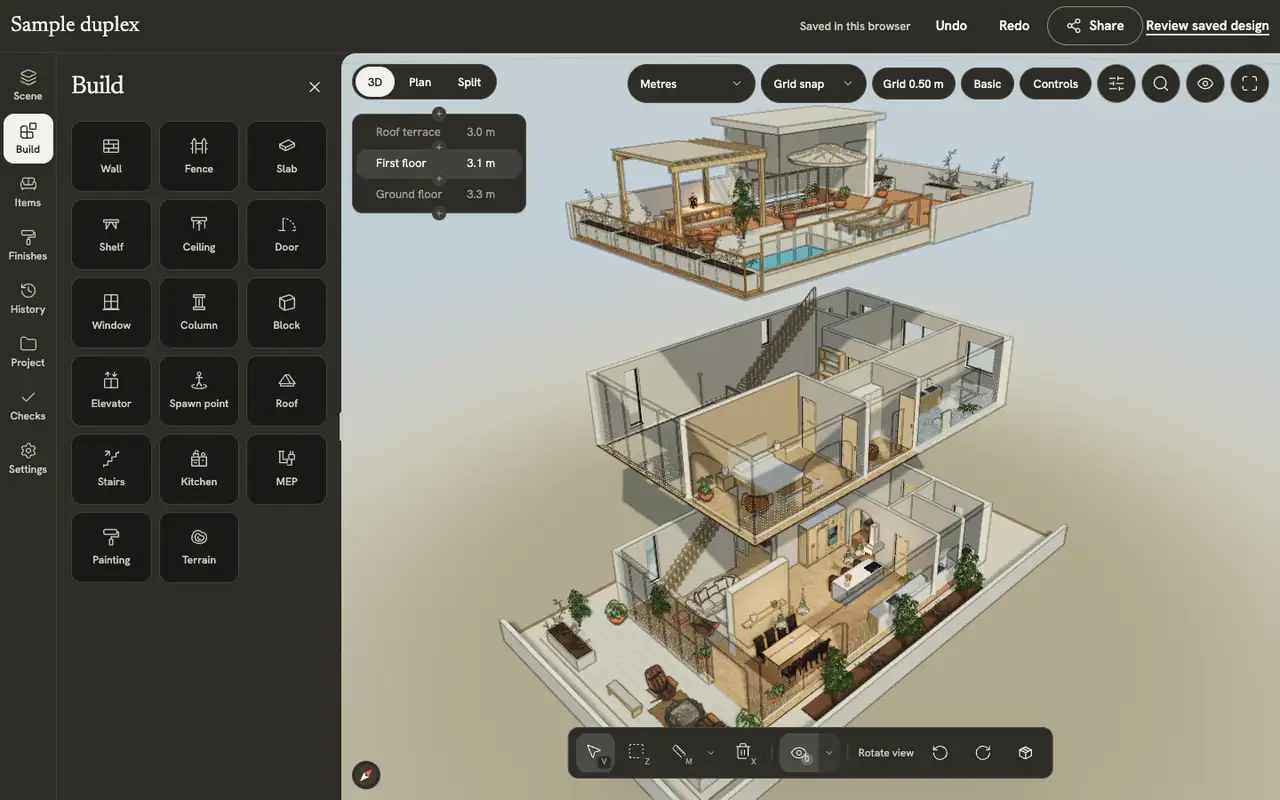
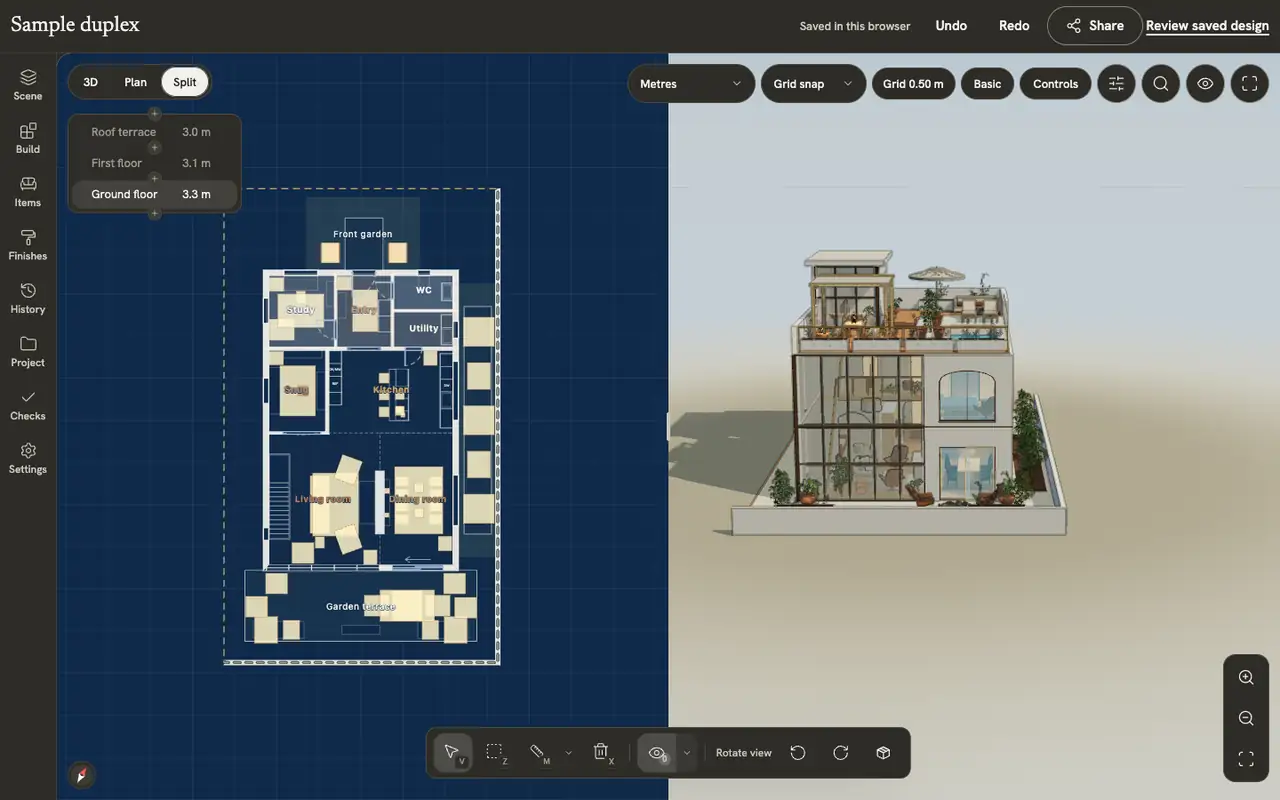
For an API or model-file workflow, compare the review interface as well as the file. These captures show the expert tools and linked plan/3D views on the authored sample duplex. Imported geometry needs a separate check of which objects and controls remain editable.
The demonstrations use native elements in the sample duplex authored in INK TO BRICK.
The editor at a glance
The top bar, the nine side tabs, the view toolbars, the bottom toolbar, the inspector and the command palette.
Views and screenshots
Switch between plan, 3D and split, change how walls and levels show, preview and walk through the home, and save a picture of the view.
A mesh is useful without being a parametric building
Open the returned GLB, inspect its scale and try the exact correction you need. Moving a complete object differs from changing a hosted opening. Importing a mesh into INK TO BRICK does not automatically recover all architectural semantics either.
What we reviewed
This is a review of the public API contract, not an authenticated conversion or throughput test. The illustrated API article explains the distinction between data, images, meshes and editable projects.[5]
Sources and scope
The cited vendor pages support the capability comparison. Any direct demo observation is identified in the article; this is not a matched-source accuracy benchmark. Product details can change. Unavailable sources are identified, and older claims are not treated as current limitations. Check the linked plan, price and export details.