INK TO BRICK vs Pixelcut: plan illustrations and current availability
Pixelcut appeared in our market guide as a plan-image workflow. Its listed converter URL returned HTTP 410 on October 7, 2026, so establish current availability before comparing it with an ongoing editable project.[1][6]
Where each one fits
Choose INK TO BRICK if
Continue from a supplied drawing or supported model, inspect spatial views and correct native elements or imported objects in an ongoing project.[3][4]
Choose Pixelcut if
A possible image workflow to recheck when illustration is the deliverable.[6]
Task by task
See the editing workflow
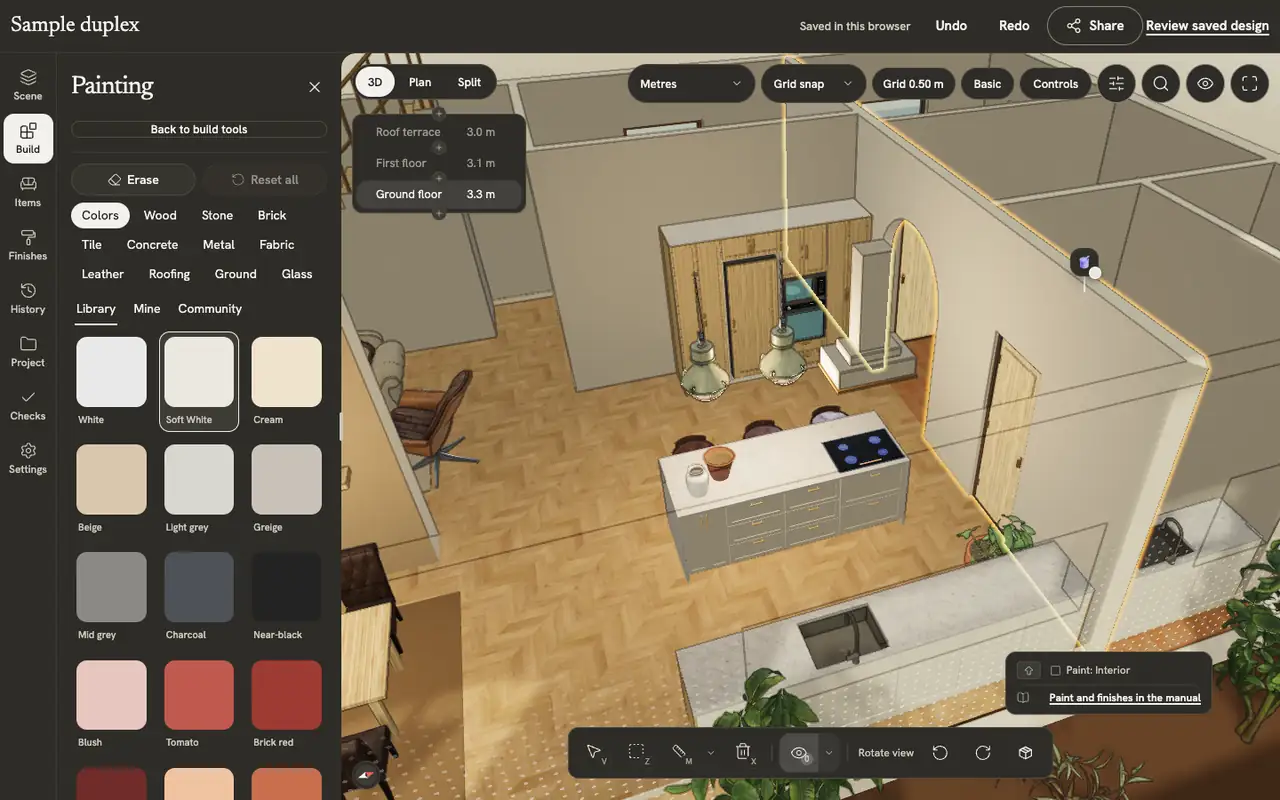
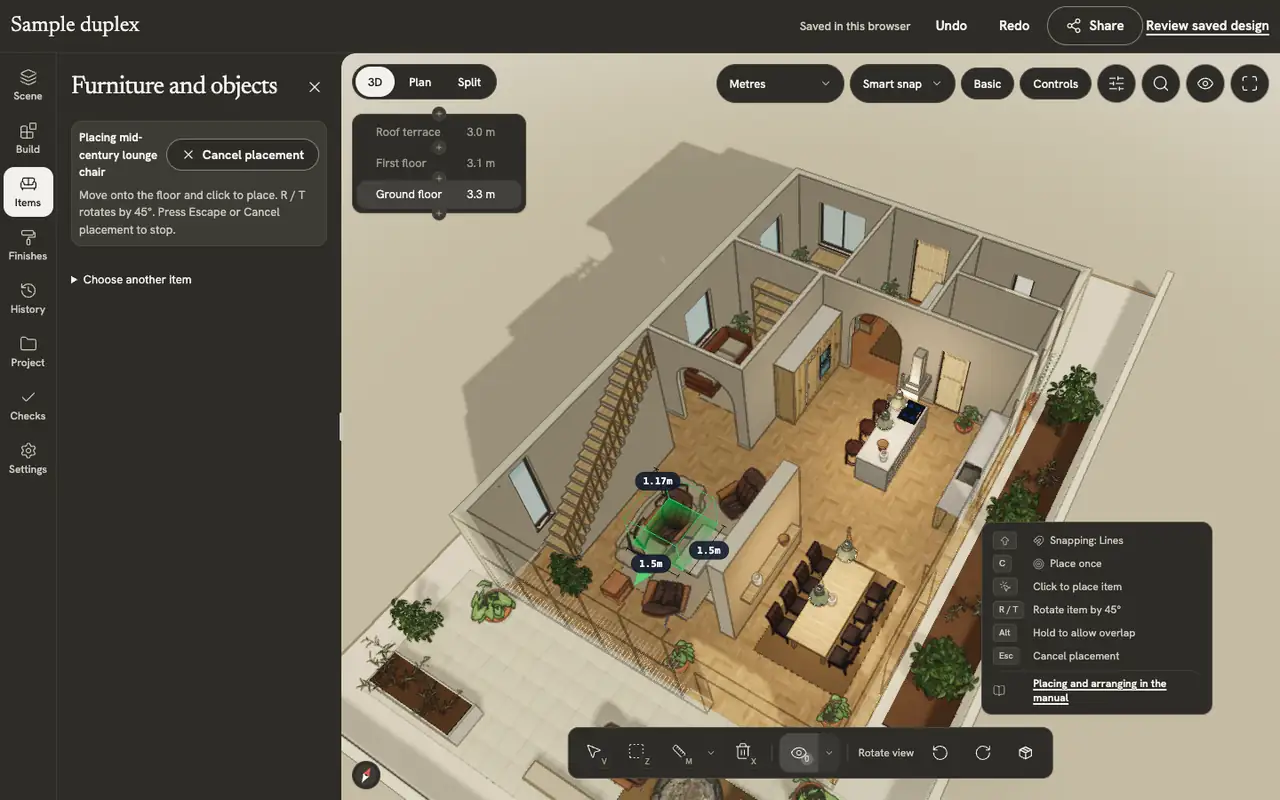
When the task is a styled image, keep appearance separate from the editable layout behind it. Here the editor identifies a particular wall surface and places a chair in the model, so you can see what is changed before choosing a presentation view.
The demonstrations use native elements in the sample duplex authored in INK TO BRICK.
Paint and finishes
Paint walls, floors and furniture from the material library, make your own materials, and apply catalog finishes to a room or the whole home.
Placing and arranging
Place, turn, select, move, copy and delete pieces, and build kitchen runs and shelves along a wall.
Availability is part of the decision
A historical tool link is not enough to plan a client delivery. Find the current vendor entry point and confirm the plan converter is included. This comparison does not infer that a replacement URL or feature exists from the rest of the image suite.
If the result is an image, evaluate it as one
Check the source outline, stair direction and small openings before using an illustration in a listing. Upscaling changes image presentation; it does not establish dimensions or editable architecture. INK TO BRICK is relevant when you need to inspect and continue a supplied source spatially.[3][4]
What remains unverified
We did not test a Pixelcut converter session, download or paid tier. Keep it on the shortlist only after confirming a working route and sample deliverable. The broader market guide preserves the earlier context; the live help source supports only the image-upscaling claim here.[2][6]
Sources and scope
The cited vendor pages support the capability comparison. Any direct demo observation is identified in the article; this is not a matched-source accuracy benchmark. Product details can change. Unavailable sources are identified, and older claims are not treated as current limitations. Check the linked plan, price and export details.