INK TO BRICK vs Tripo: 3D assets, segmentation and mesh handoff
Tripo is an asset-generation and mesh workflow. Compare text/image generation and part editing with the separate requirement to preserve a supplied architectural plan in an editable spatial project.[1][5]
Where each one fits
Choose INK TO BRICK if
Reconstruct and review the architectural source, then place supported imported assets with separate object-level controls.[2][3]
Choose Tripo if
Generated meshes with part segmentation, remeshing and texture tools.[1]
Task by task
See the editing workflow
For an API or model-file workflow, compare the review interface as well as the file. These captures show the expert tools and linked plan/3D views on the authored sample duplex. Imported geometry needs a separate check of which objects and controls remain editable.
The demonstrations use native elements in the sample duplex authored in INK TO BRICK.
The editor at a glance
The top bar, the nine side tabs, the view toolbars, the bottom toolbar, the inspector and the command palette.
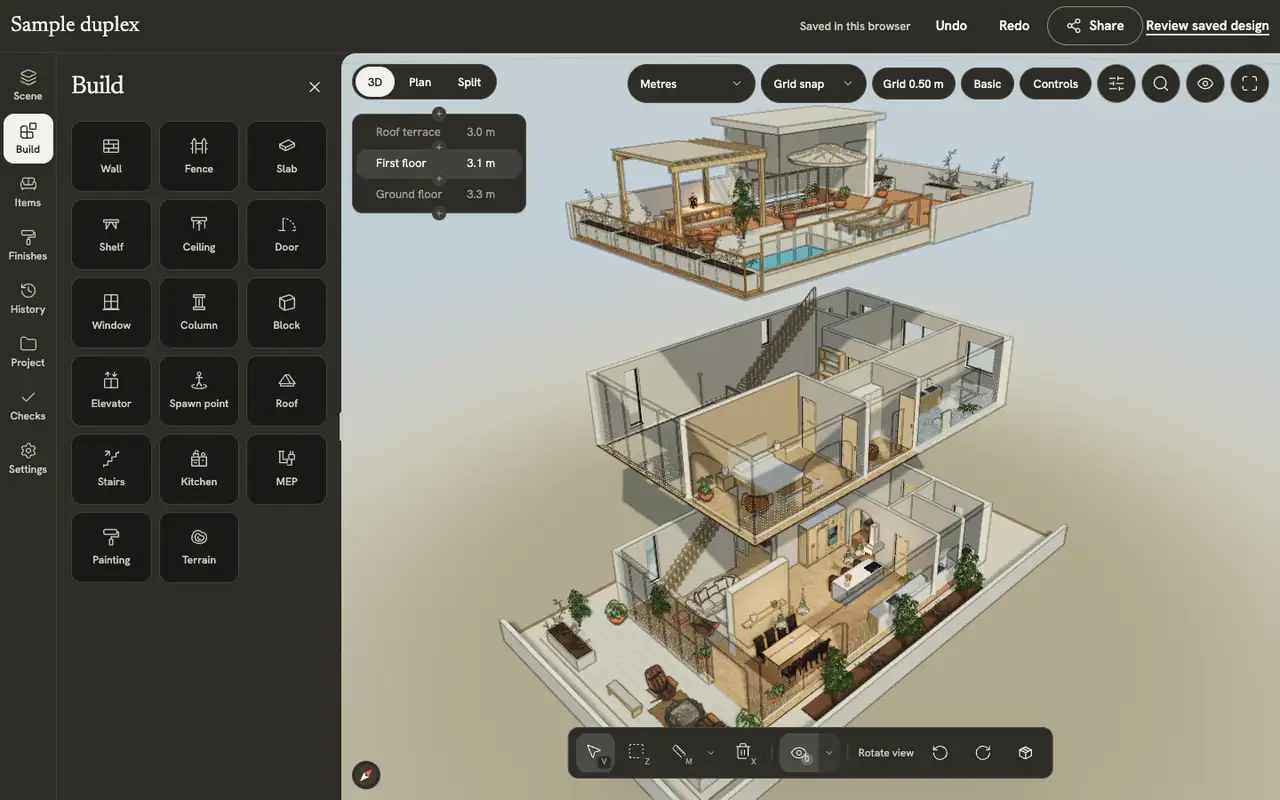
Views and screenshots
Switch between plan, 3D and split, change how walls and levels show, preview and walk through the home, and save a picture of the view.
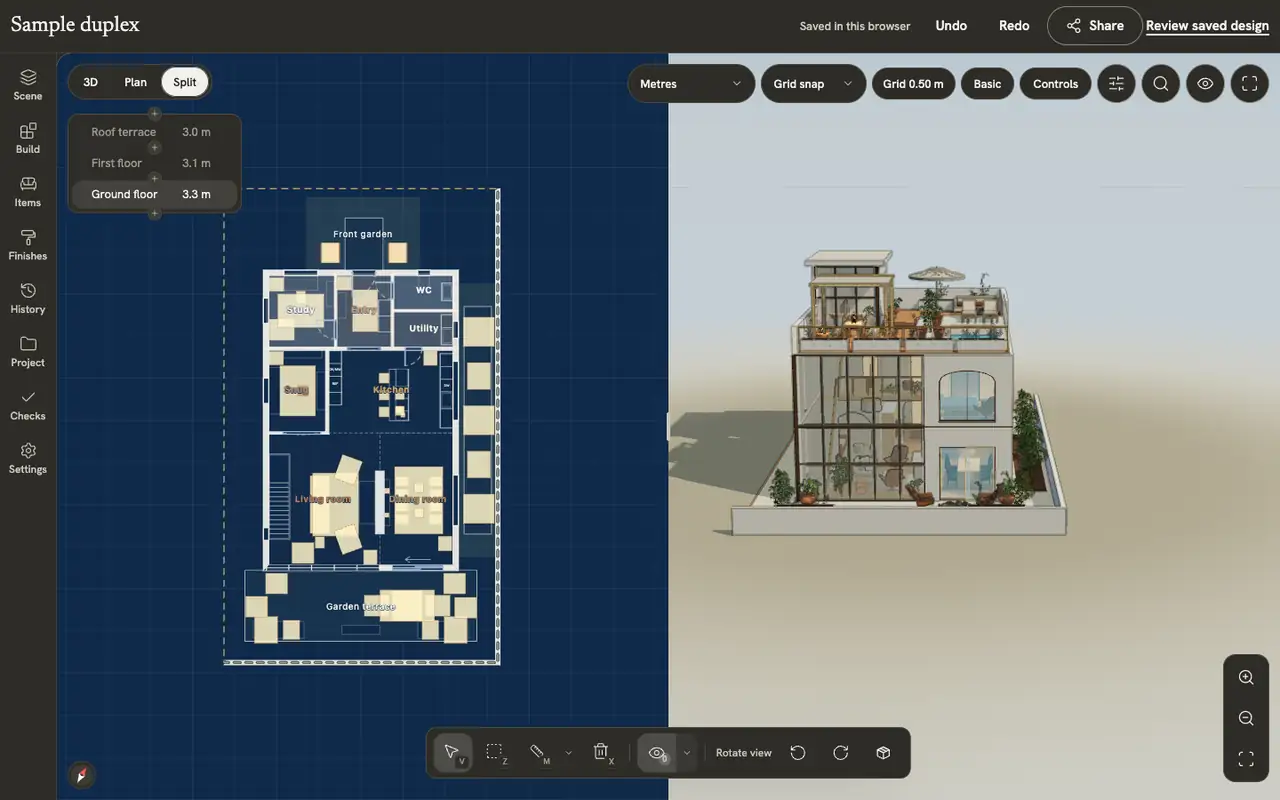
Segmentation helps when parts need separate changes
Choose an object with legs, a seat and a back. Inspect whether parts are usable independently and remain positioned after export. For a room asset, compare its dimensions with clearances in the source plan before judging texture quality.
An export format does not guarantee readiness
Open a sample in the recipient tool and inspect normals, scale, material links and topology. An STL listing does not prove an asset is ready to manufacture. For Blender-to-INK work, export a supported GLB; direct .blend upload is unavailable in production.
Asset creation alongside architecture
Shortlist Tripo for generating and refining a prop or furniture mesh. Evaluate INK TO BRICK for architectural reconstruction and continued project review. We reviewed product documentation without generating parts, exercising its API or testing a downloaded mesh in another application.[2][3]
Sources and scope
The cited vendor pages support the capability comparison. Any direct demo observation is identified in the article; this is not a matched-source accuracy benchmark. Product details can change. Unavailable sources are identified, and older claims are not treated as current limitations. Check the linked plan, price and export details.