INK TO BRICK vs Strukt AI: correction before rendering
Strukt AI documents an editable plan-to-3D workflow with calibration and exports. Compare the corrections and saved model you need before evaluating the presentation image.[1][4]
Where each one fits
Choose INK TO BRICK if
You want to review a drawing or imported model, retain alternatives and use chat and Expert controls within one project.[4][5]
Choose Strukt AI if
You want recognition, furnishing and rendering together, with the calibration and export workflow described in its guide.[1]
Task by task
See the editing workflow
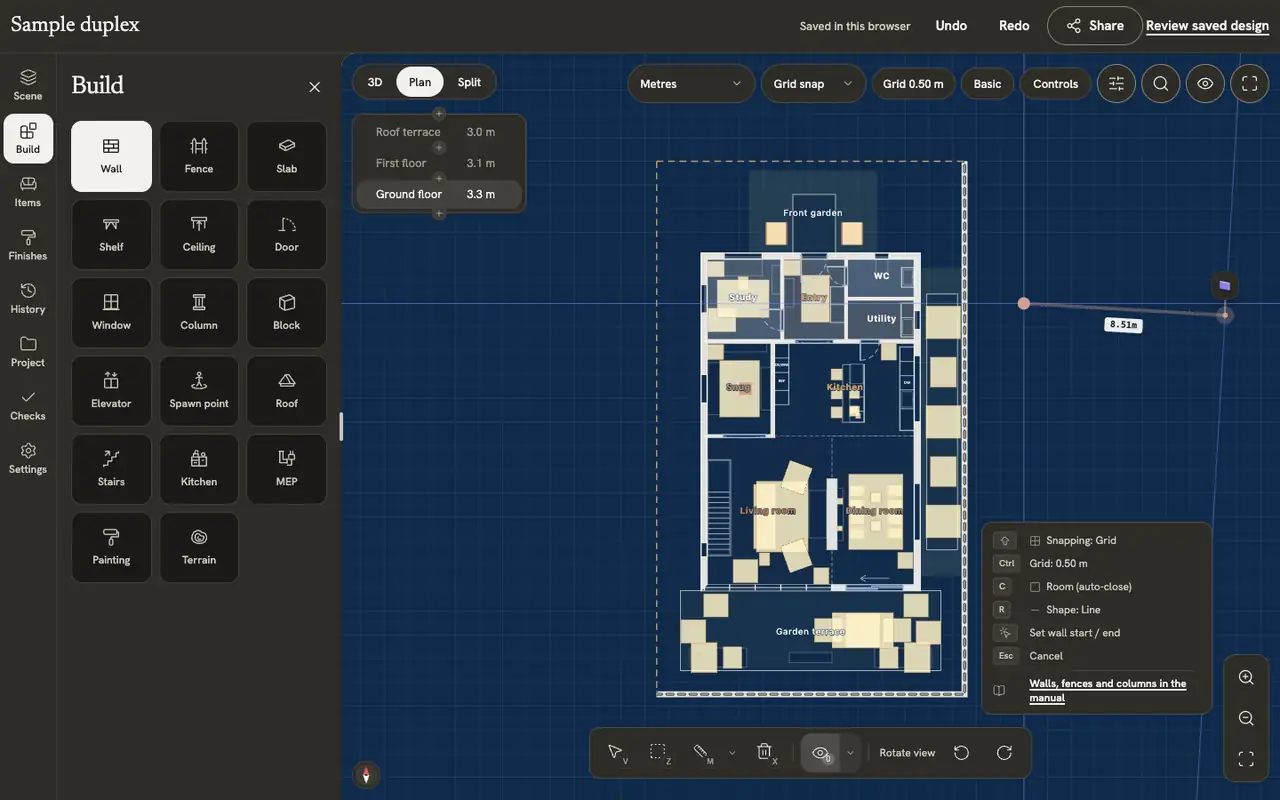
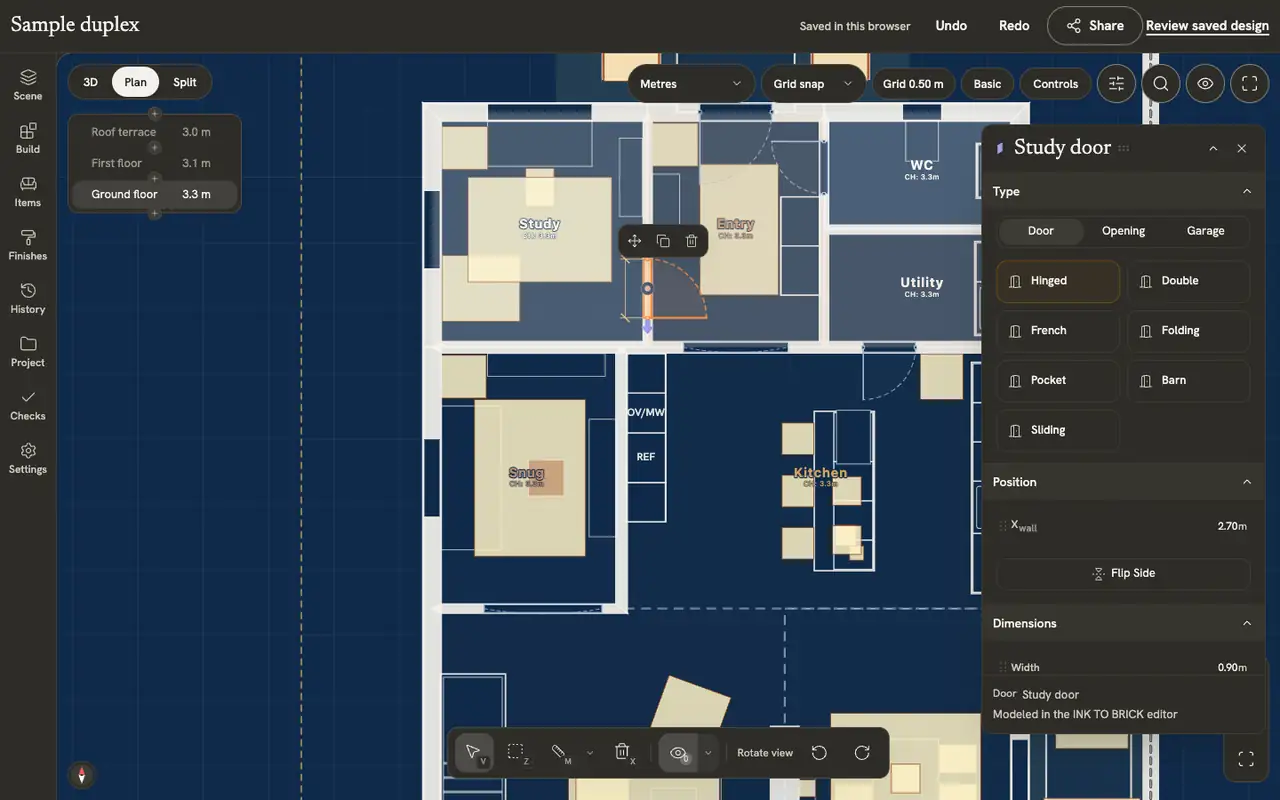
For an editable plan, inspect a wall operation and an opening operation. Drawing shows the running length; the door changes its swing within the same model. Use these specific tasks when comparing each tool’s documented controls.
Bohemia Mía: Strukt AI
These captures show the Bohemia Mía project review. The linked review describes the operations performed and results observed in each product.

Read the review and its test conditions
The demonstrations below use native elements in the INK TO BRICK sample duplex. They are separate from the imported Bohemia Mía GLB captures, which show model review, not native wall editing.
Walls, fences and columns
Draw walls corner by corner, control snapping and continuation, reshape a wall, and draw fences and columns.
Doors and windows
Place doors and windows on a wall, choose their type and size, flip them, and open and close them.
Check the actual uploader and downloaded result
A guide and an upload control can diverge as a product changes. Verify your file is accepted, calibrate it, then correct one opening and inspect the downloaded model. Export availability and architectural editability are separate questions.
What we reviewed
We opened the saved Bohemia Mía project, inspected its 2D and 3D editor, opened the shortcut panel and exported GLB. The article includes screenshots and an editor GIF beside the current INK model. Its documented review conditions distinguish first output, later revisions and the local imported-object test.[7]
Sources and scope
The cited vendor pages support the capability comparison. Any direct demo observation is identified in the article; this is not a matched-source accuracy benchmark. Product details can change. Unavailable sources are identified, and older claims are not treated as current limitations. Check the linked plan, price and export details.